



PROBLEM SOLVING - PRODUCT CREATION - RESEARCH DESIGN DIRECTOR - INNOVATION - PUBLIC SPEAKING PROJECT MANAGEMENT - CLIENT MEETINGS
2025
My Changing Role
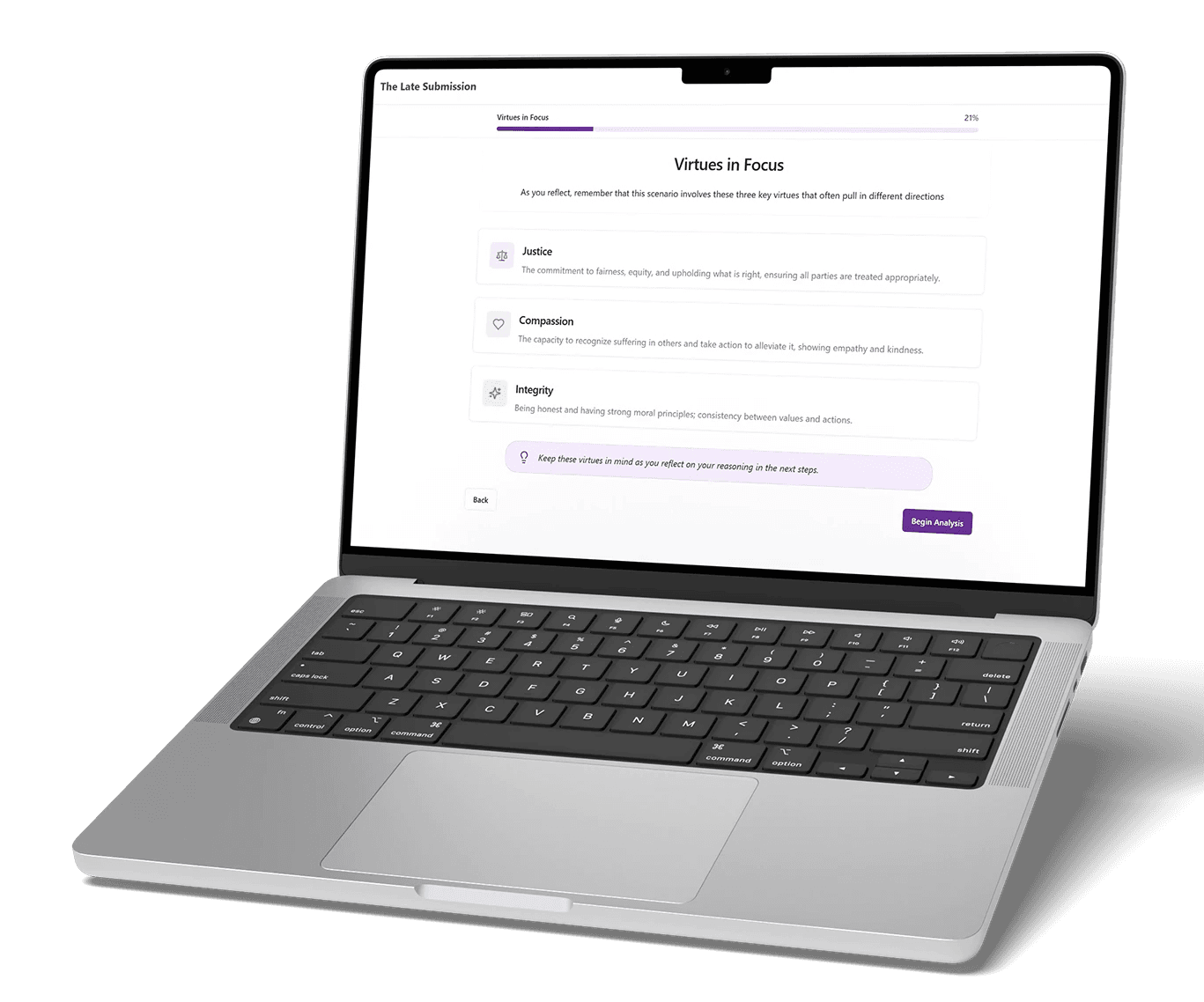
Throughout the project, my role expanded beyond UX/UI design. I first designed the product’s user experience by translating the researcher’s reflection framework into wireframes and interface flows. I then became the AI product builder, using structured prompts and iterative refinement to guide an AI platform generator in developing a functioning application. Finally, I acted as a video director, using AI video tools to produce the moral dilemma simulation that initiates the reflection process.
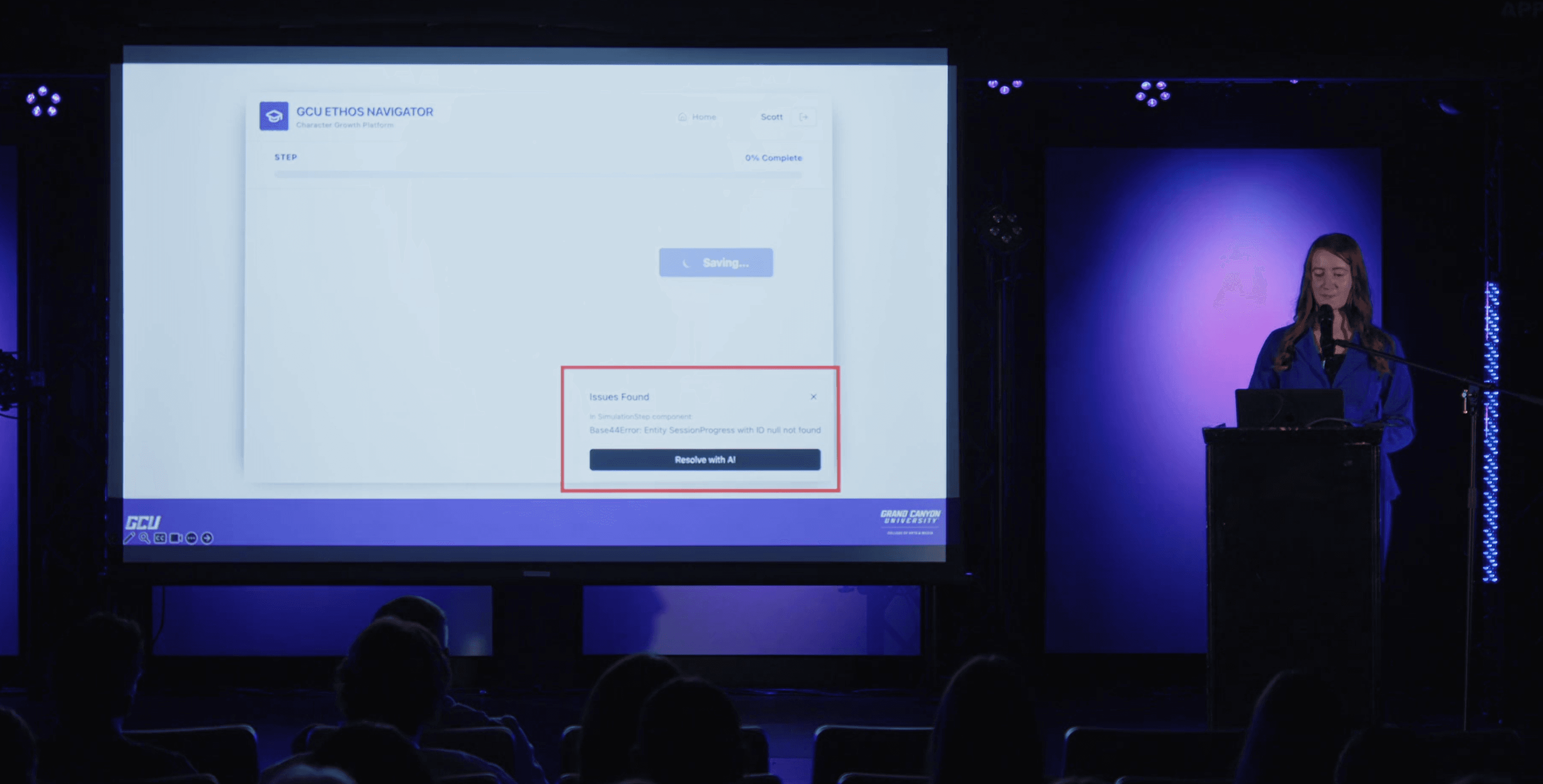
Digital Arts Category Finalist, 2026 Honors Showcase
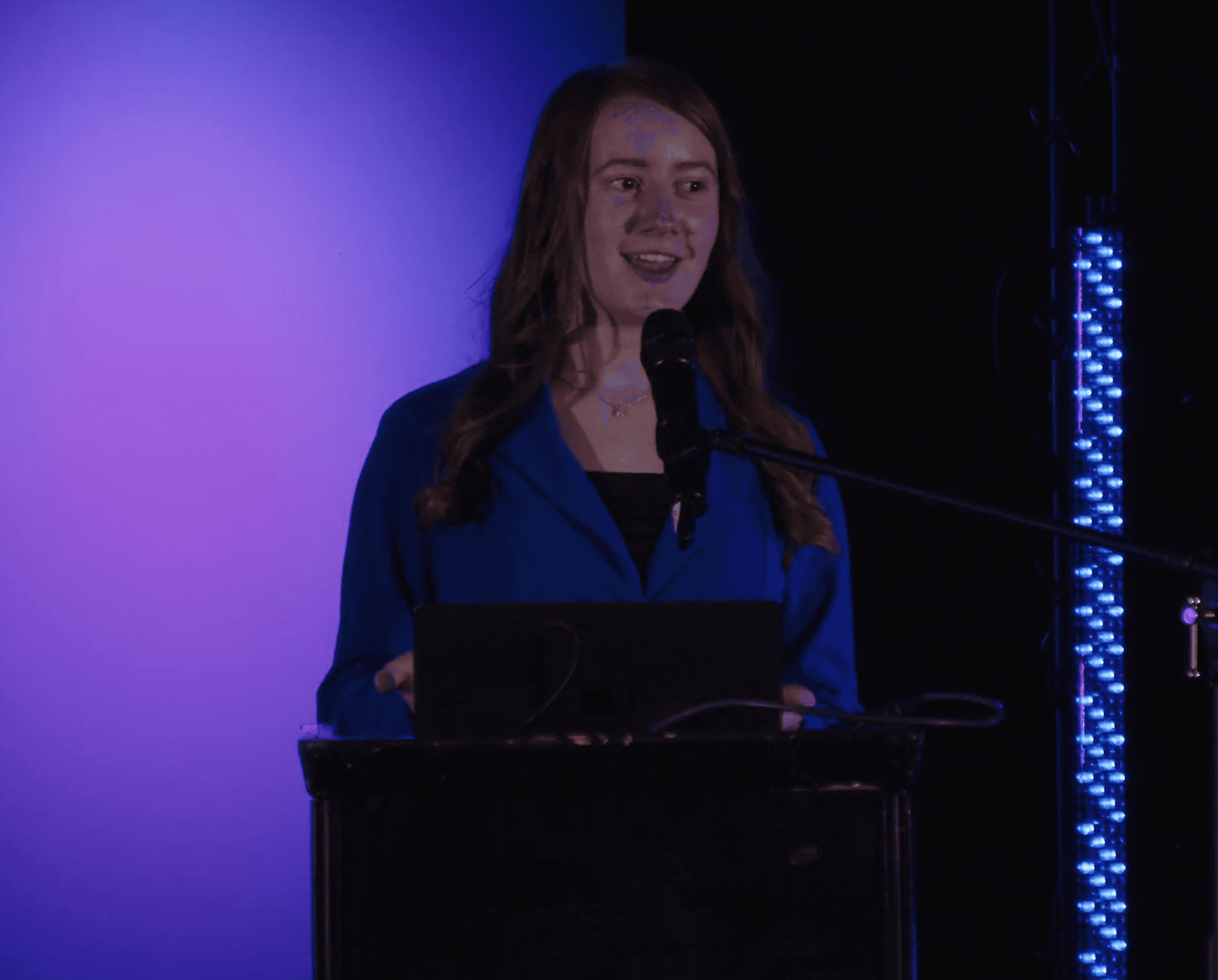
Selected University-Wide Speaker, 2026 Canyon Undergraduate Research Symposium
2025 End-of-The-Year Creative Showcase
From my previous project experience with websites and application, I would design high-fidelity screens in Figma and either build the website in a low/no-code builder (such as Webflow or Framer) or hand it off to a developer to code.
Instead of playing the role of the design executor, I learned to become the conductor.
Instead of building the platform myself, I needed to:
Learn proper prompt engineering for Lovable.
Guide the AI's decisions and actions.
Revise designs and test the platform.
These steps helped me prevent errors and misinterpretations by the AI, effectively creating a functional product.
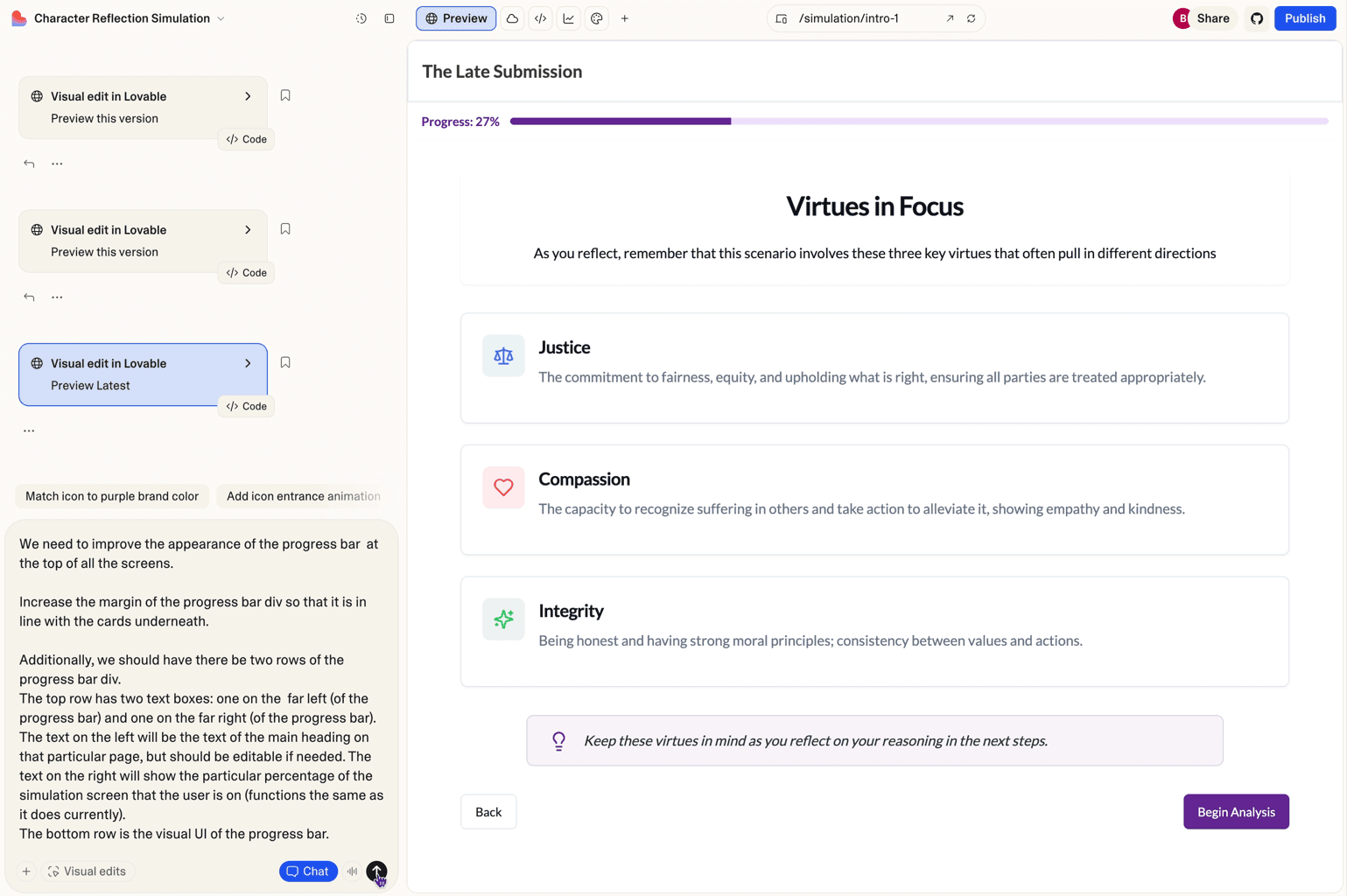
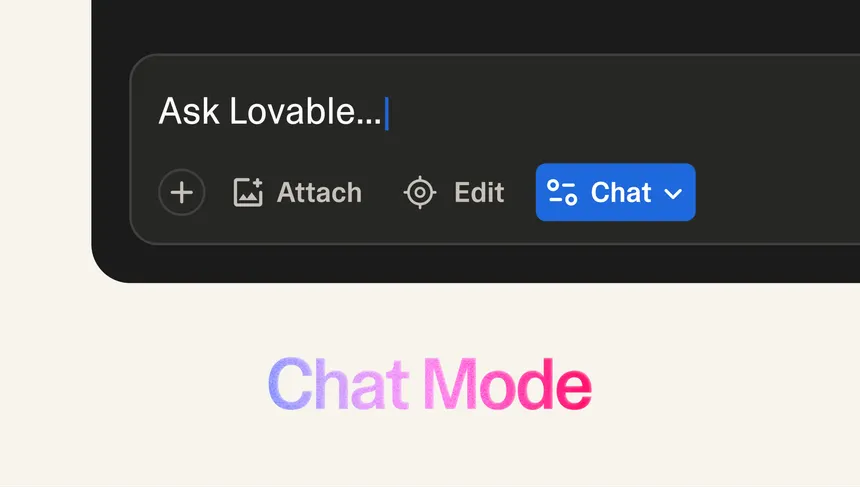
Chat mode (now known as plan mode) is a tool I used to align my vision with the AIs and ensure that it understands what I want, preventing me from hours of re-corrections afterwards.
1. Understanding the Research Sequence
Met with the researcher to understand the goal of the character education simulation.
Reviewed documentation outlining the reflection framework used to guide students through ethical decision-making.
Identified the core objective: build a proof-of-concept platform that simulates moral dilemmas and records user reflection data.
2. Designing the Interface in Figma
Translated the reflection framework into a structured user flow.
Created wireframes in Figma for each step of the simulation process.
Defined the layout, navigation, and reflection prompts users would interact with.
Used these wireframes as the reference for evaluating AI-generated interfaces.
3. Selecting an AI Platform
Researched AI application builders capable of generating full-stack prototypes.
Tested multiple platforms to evaluate reliability and development capabilities.
Compared tools based on stability, flexibility, and database functionality.
Selected Lovable as the primary platform for building the prototype.
4. Prompt Engineering Research
Studied Lovable documentation and tutorials to understand how the AI interprets prompts.
Used Perplexity AI to research prompt engineering strategies.
Experimented with different prompt structures to identify common causes of errors.
Learned that precise, detailed instructions reduce AI assumptions and development issues.
5. Building the Platform in Lovable
Created a comprehensive foundational prompt outlining the application structure.
Defined pages, user roles, data storage requirements, and design rules.
Compared each page with my Figma wireframes to maintain design accuracy.
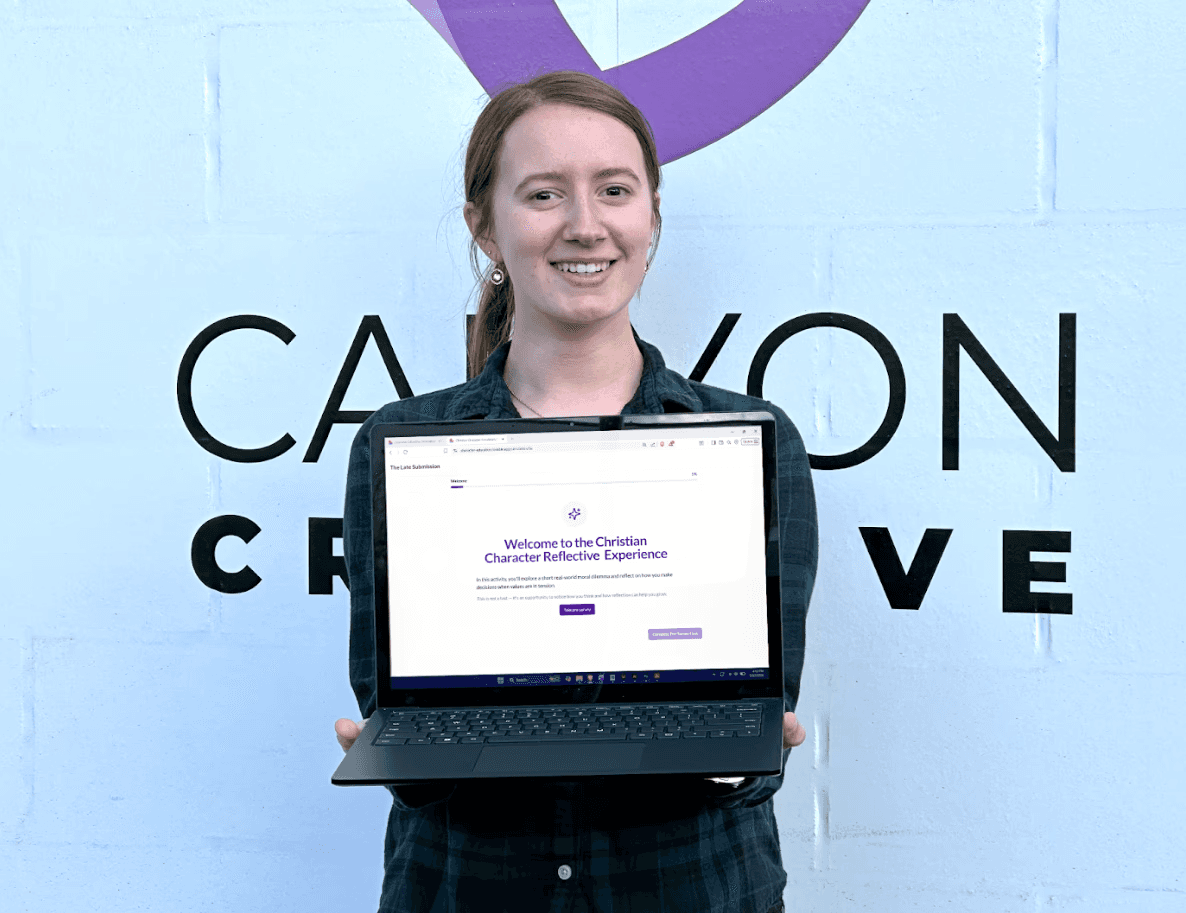
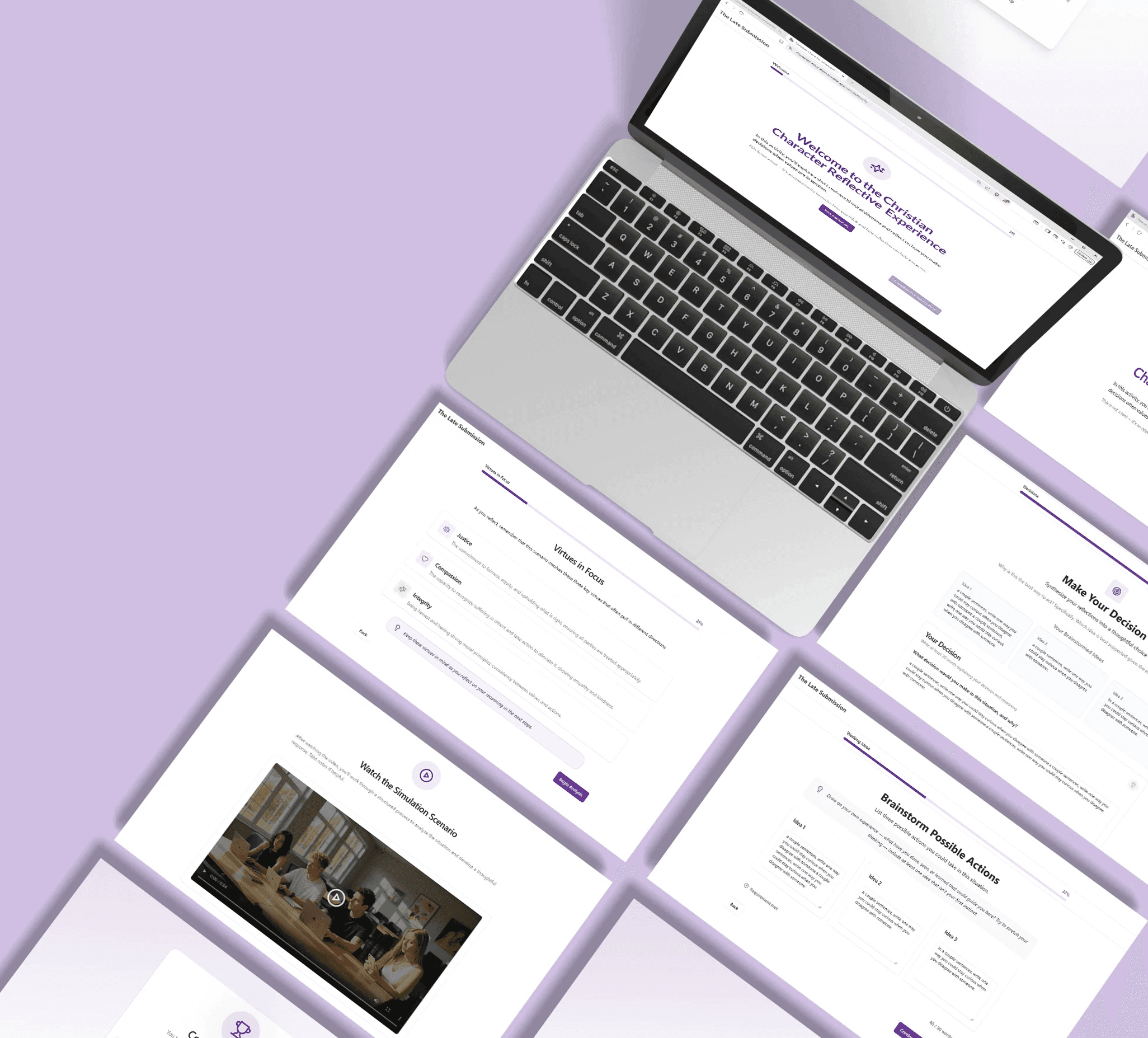
Produced a functional prototype demonstrating the simulation and reflection process.
Before designing anything, I studied the reflection framework provided by the researcher.
The framework described how users should move through a structured reflection process after viewing a moral dilemma simulation.
This document became the foundation of the product’s user flow.
Before designing anything, I studied the reflection framework provided by the researcher.
The framework described how users should move through a structured reflection process after viewing a moral dilemma simulation.
This document became the foundation of the product’s user flow.
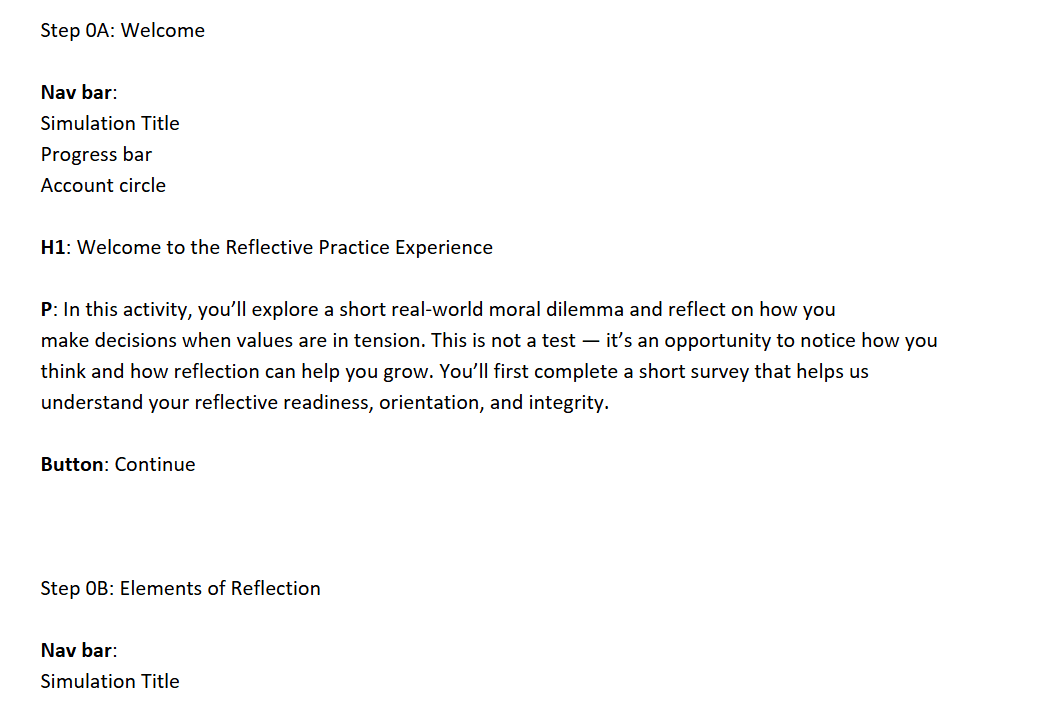
From data and details
From the user-flow sequence the researcher provided, I categorized data into web terminology, helping me visualize what each element would look like.
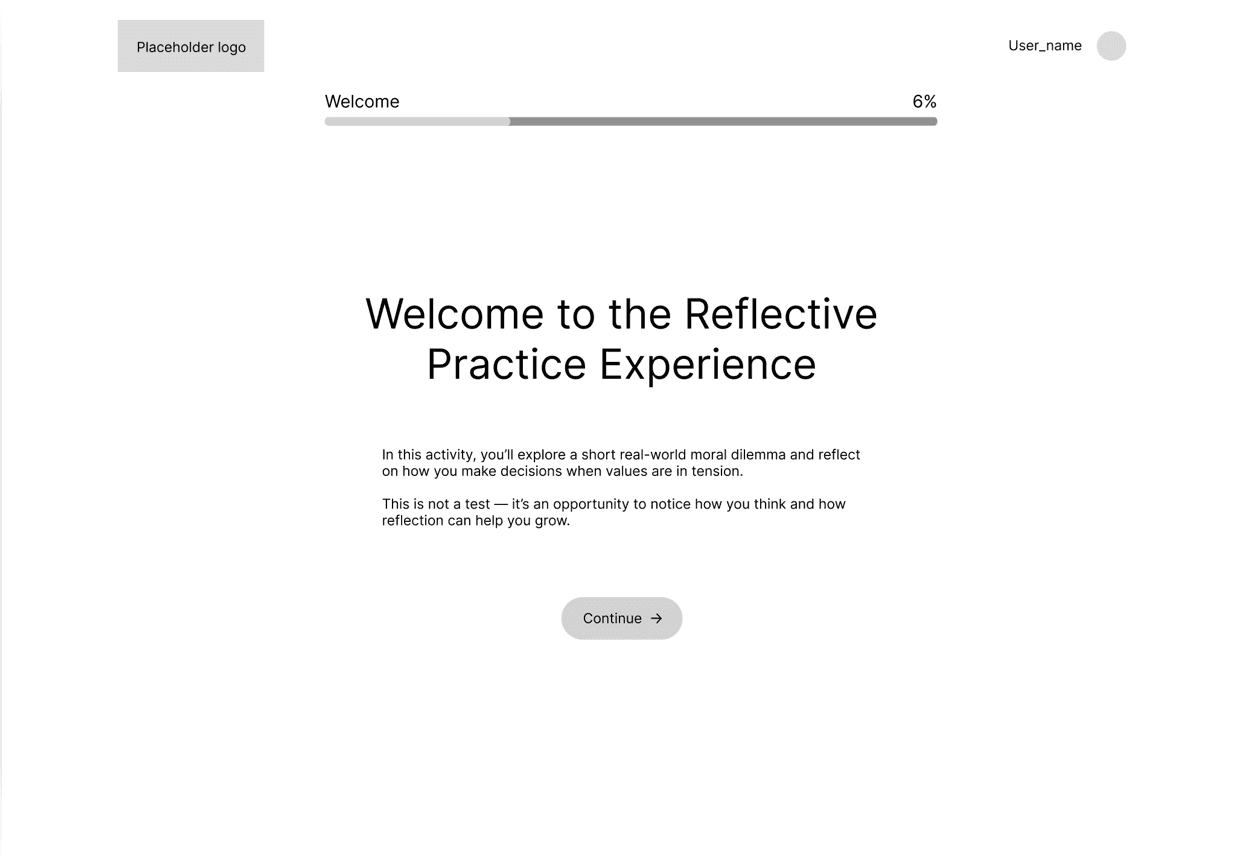
To visual designs
From the documentation and elements I categorized from the user-flow, I designed each page in the design software Figma.
SELECTING AN AI PLATFORM
My client wanted me to use an AI platform creator to build the Christian character education platform. We were between using Base44 and Lovable, so I tested them and compare/contrasted them.
After testing and research, here's what I found:

1. Strong UI generation
2. Inability to fully migrate platform
3. Flat credit usage

1. Plain initial UI
2. Complete code exporting ability
3. Varying credit usage
Lovable's ability to fully migrate platforms off of its software was the final determining factor in which platform to use. I communicated that Lovable was the better choice for this project and the researcher approved.
LEARNING PROMPT ENGINEERING
When I was testing Base44 and Lovable, I realized that prompting AI wasn't as linear as I expected. So I determined that it was essential to do further research on prompting AI.
To learn how to communicate effectively with the AI system, I practiced these three strategies:
Research
Because AI platform builders are still emerging tools, documentation was limited. I visited Lovable's website and found articles included best practices and videos explaining how their AI interprets prompts.
I also used Perplexity AI to research prompt engineering strategies and best practices.
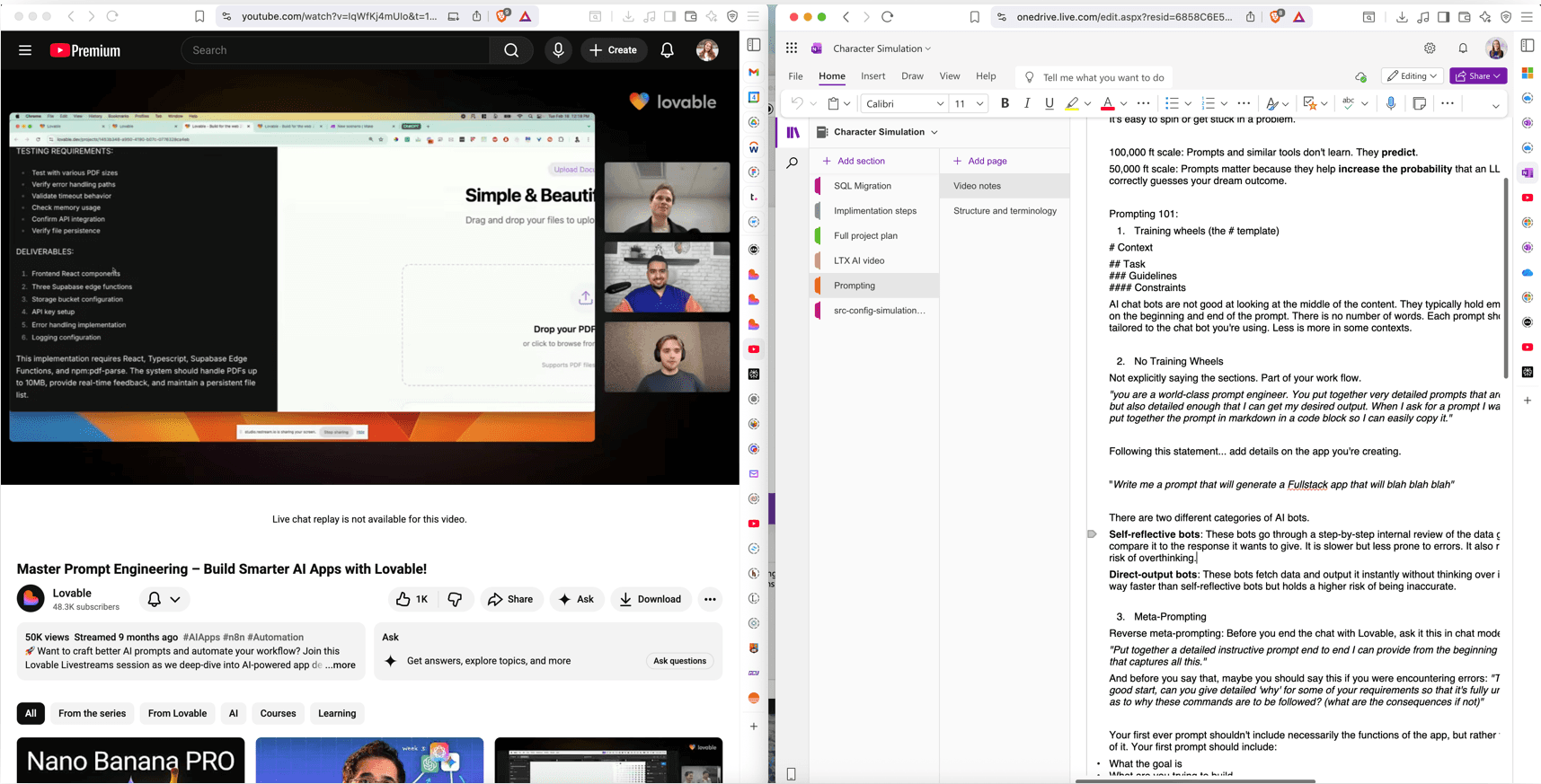
Lovable had a workshop video that was especially helpful, here's a photo from my research and my note set-up.
Trial and Error
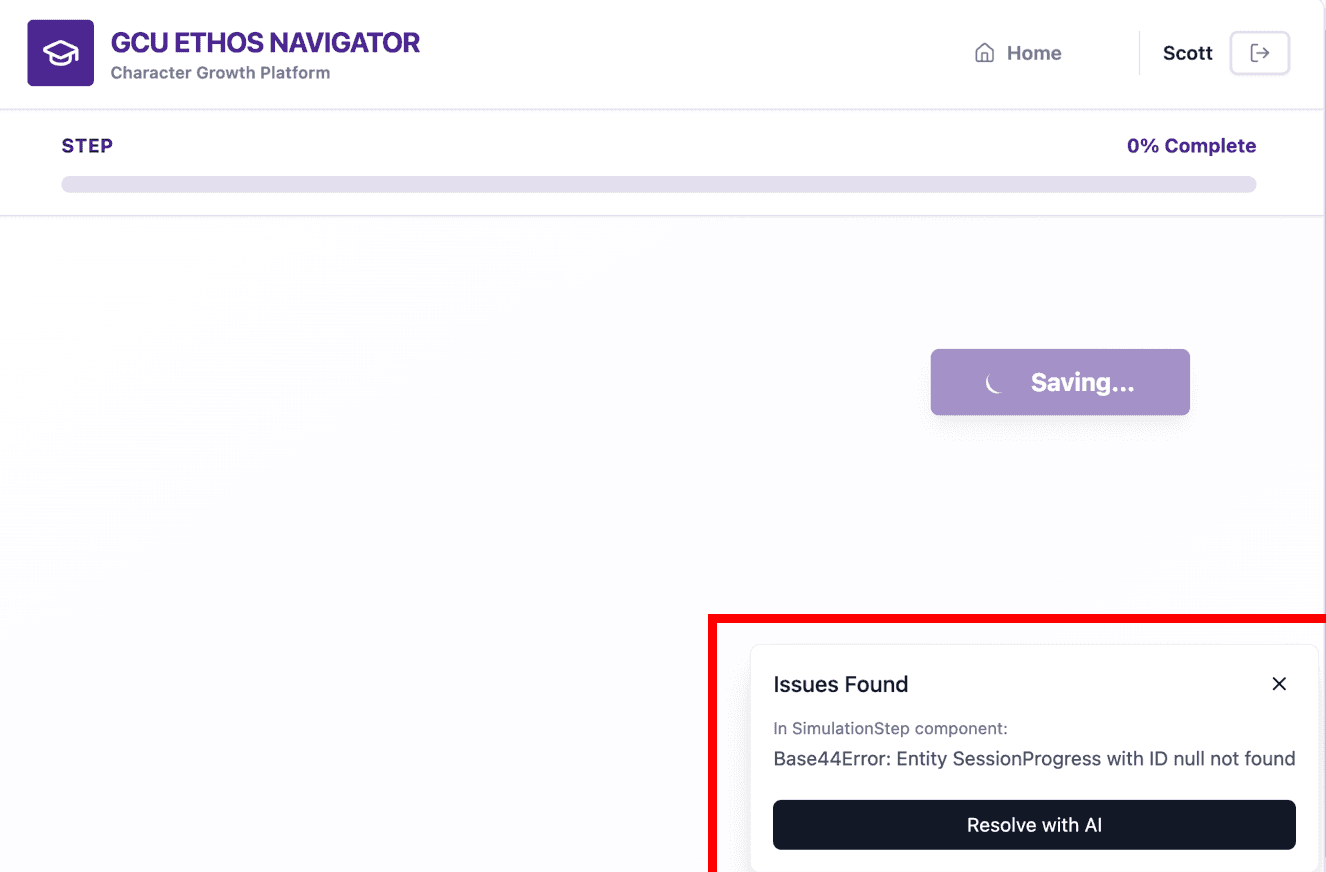
When I began experimenting with prompts, I discovered an important lesson: If a prompt contains missing details, AI fills those gaps with its own assumptions.
Since I was expecting the AI to understand my vague prompts, I ended up with problems such as:
missing features
incorrect page structures
database errors
hours of troubleshooting
One practice that helped me encounter less errors was use the chat mode (now known as plan mode) in Lovable where you can convey your idea without the AI immediately executing something. It gives you time to ensure that you and Lovable are on the same page.
Conversation Before Execution
One practice that helped me encounter less errors was use the chat mode (now known as plan mode) in Lovable where you can convey your idea without the AI immediately executing something. It gives you time to ensure that you and Lovable are on the same page.
Image from Lovable
Now that an AI platform was chosen and prompt research was done, it was time for the fun part.
Utilizing Perplexity AI and the notes that I had taken from my research, I devised a firm, initial prompt for the simulation platform.
If you're curious what this first initial prompt was, here it is:
Because the prompt is long, I cut the middle of the prompt out to shorten it.
With the amount of detail going into this first prompt, the platform had developed a firm foundation to build on top of.
Back-end to Front-end
Before improving the UI of the platform, I tested and improved the user-flow first, making sure buttons led to the right pages and correcting navigation errors.
After that, I started to iterate on each page, improving it to be as the initial wireframes I created. Here's the first version in comparison to the 10th version of one of the pages on the platform.
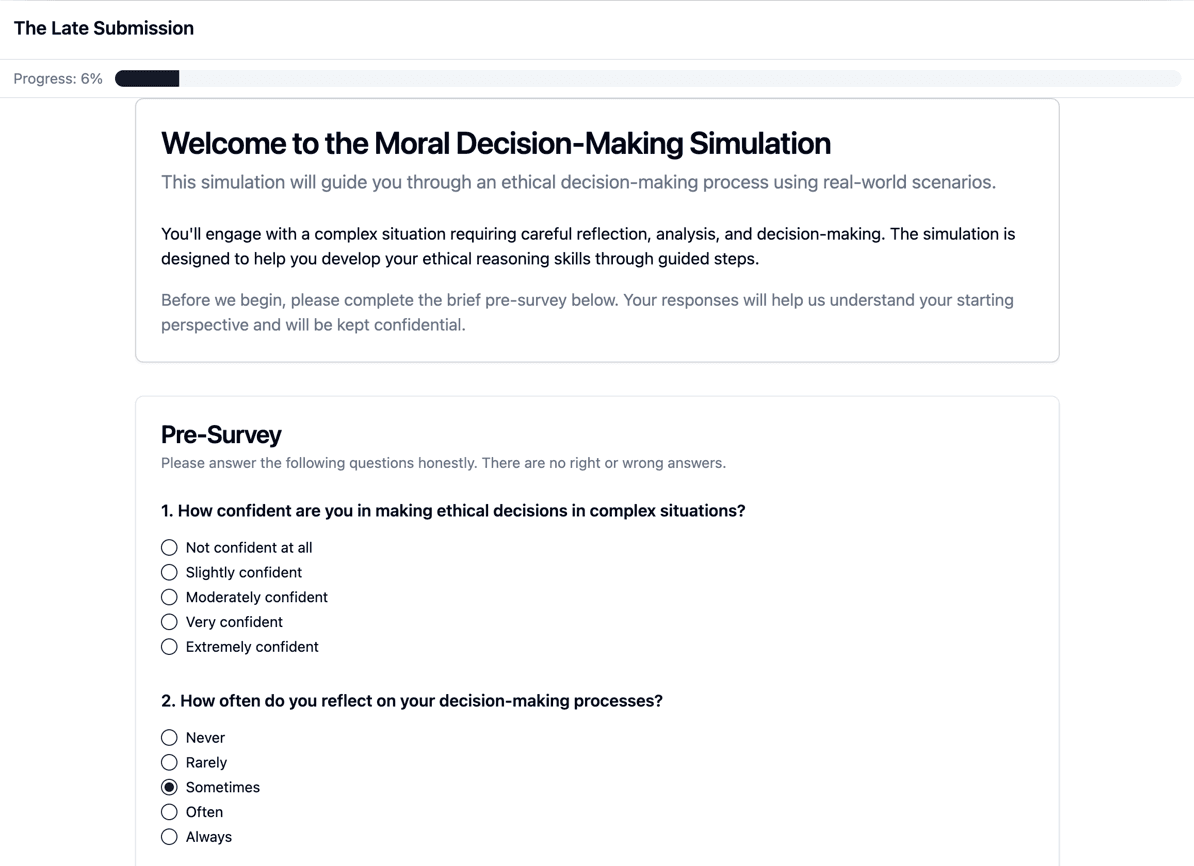
Version 1
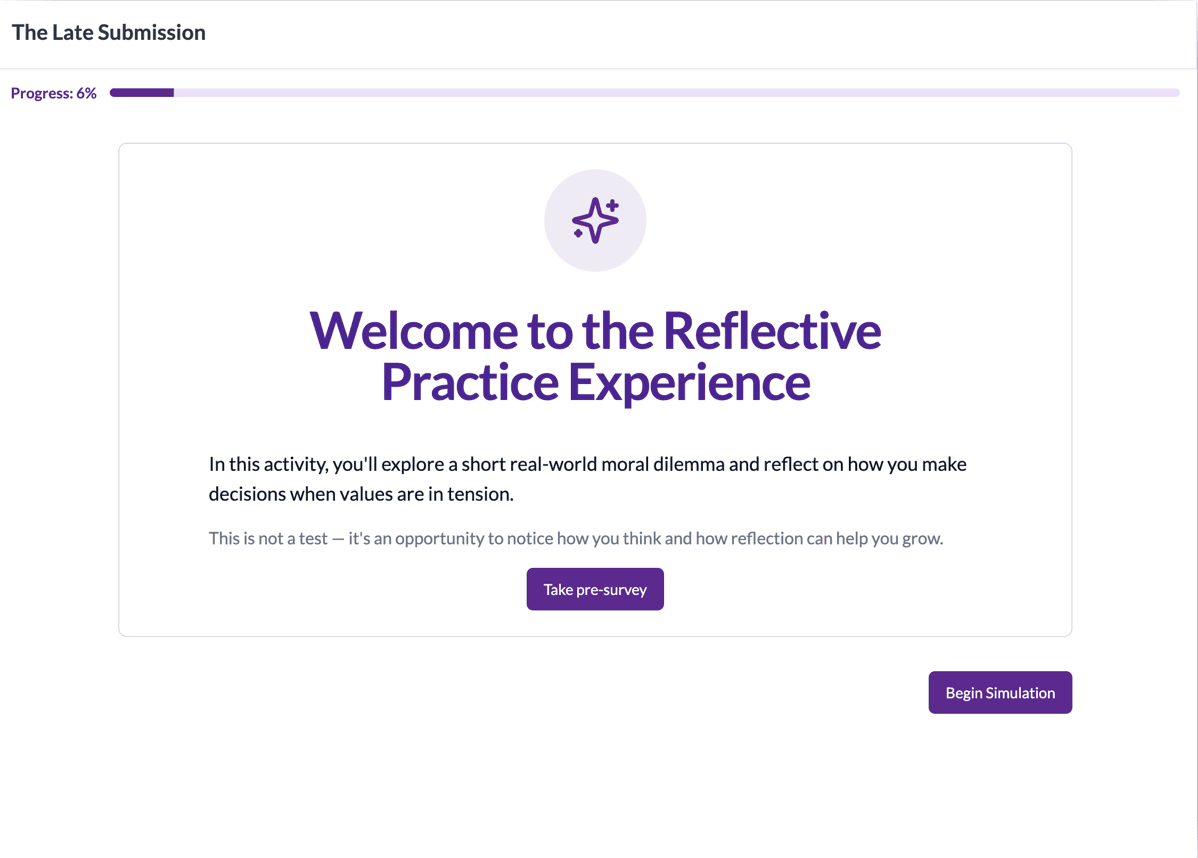
Version 10

THANK YOU
I appreciate the time you took to check this out. :)
Back to top