Luma helps those who struggle with getting good quality sleep with the help of a sleep band and AI metrics. Sleep uninterrupted and stress-free with Luma's features.


UX/UI DESIGN - PRODUCT DESIGN - USER RESEARCH PROBLEM SOLVING - PUBLIC SPEAKING - APP DESIGN
2025
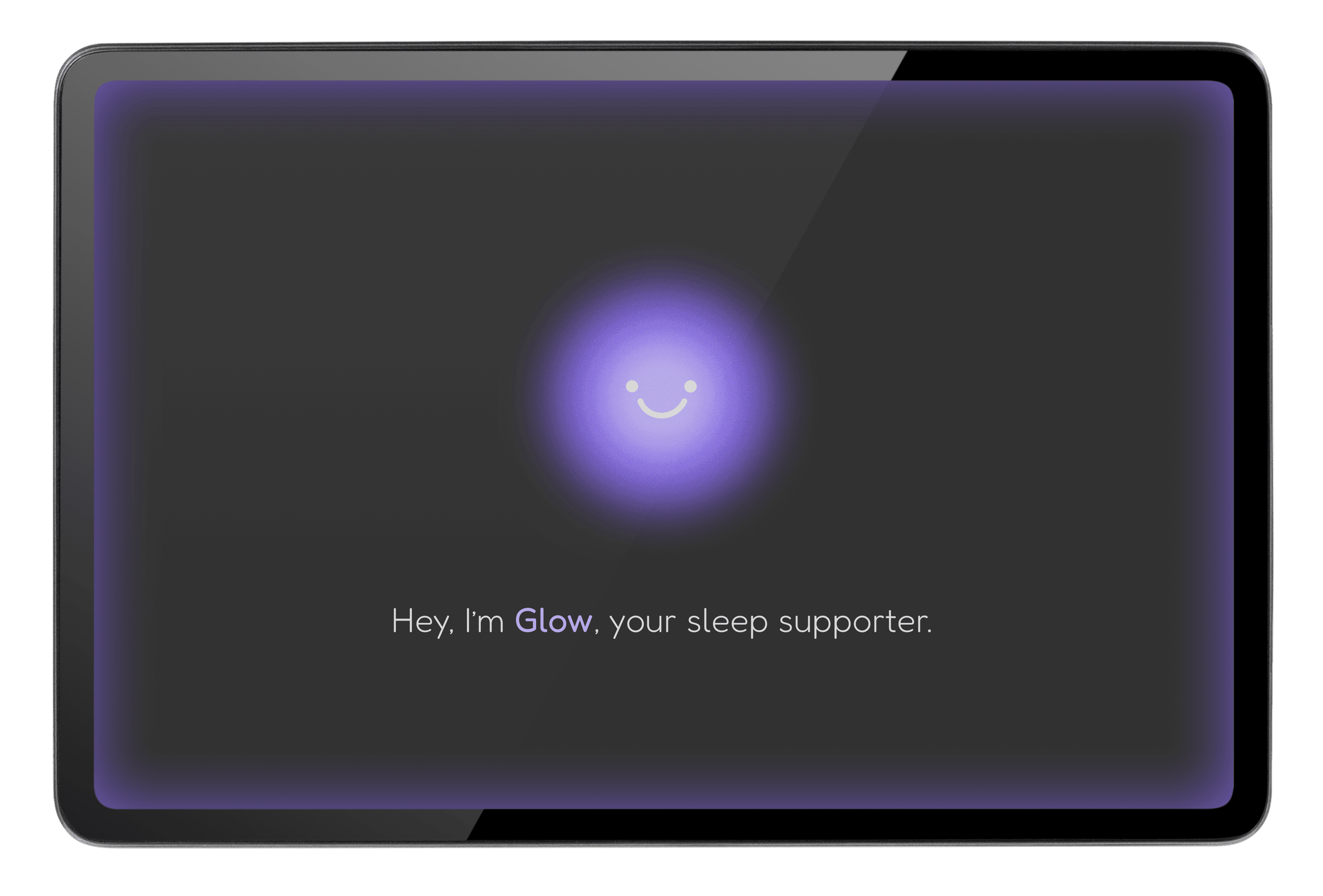
Utilizing Perplexity AI as a research assistant, I researched symptoms and data that contribute to sleep troubles so I could best understand the user’s needs and pain points.
Below is a sample of a prompt I sent to Perplexity.
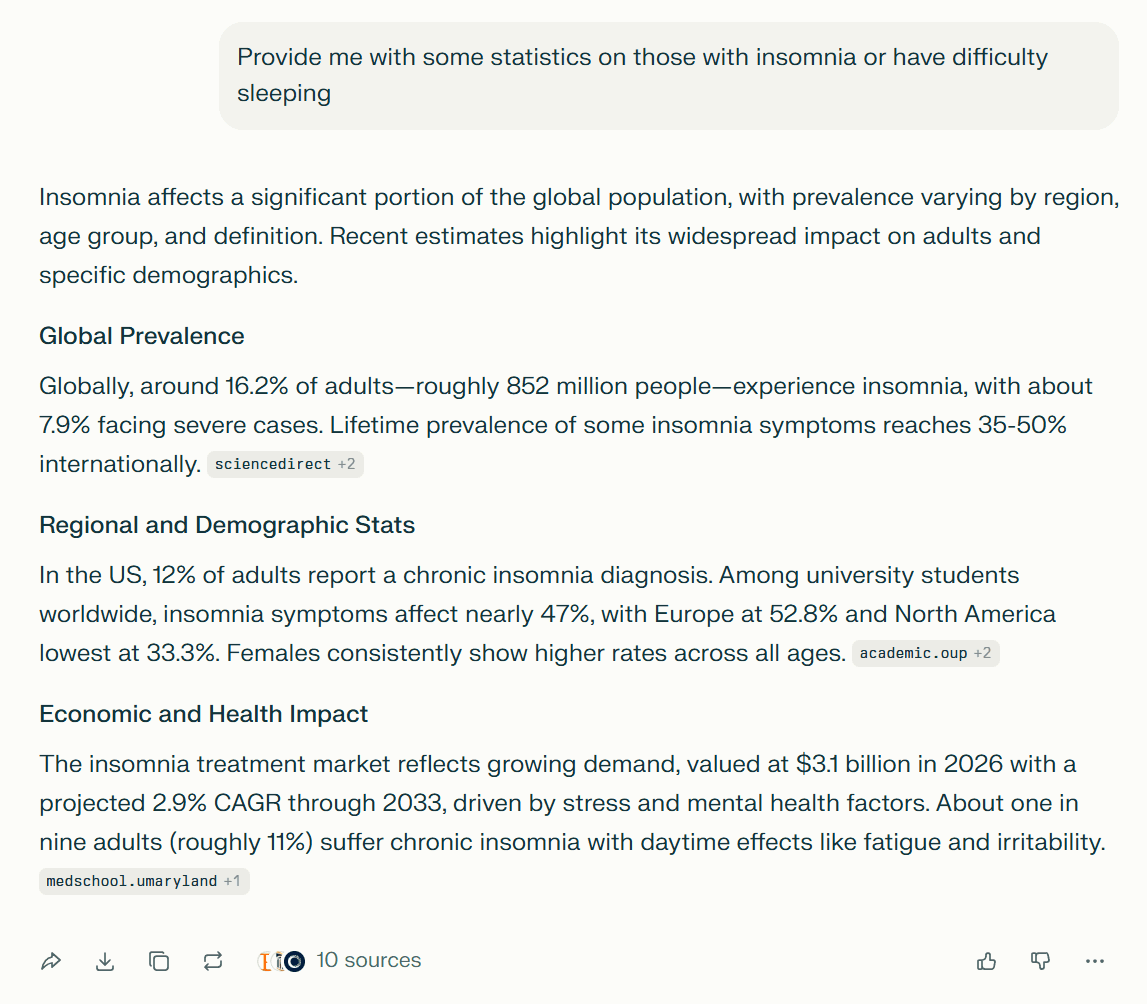
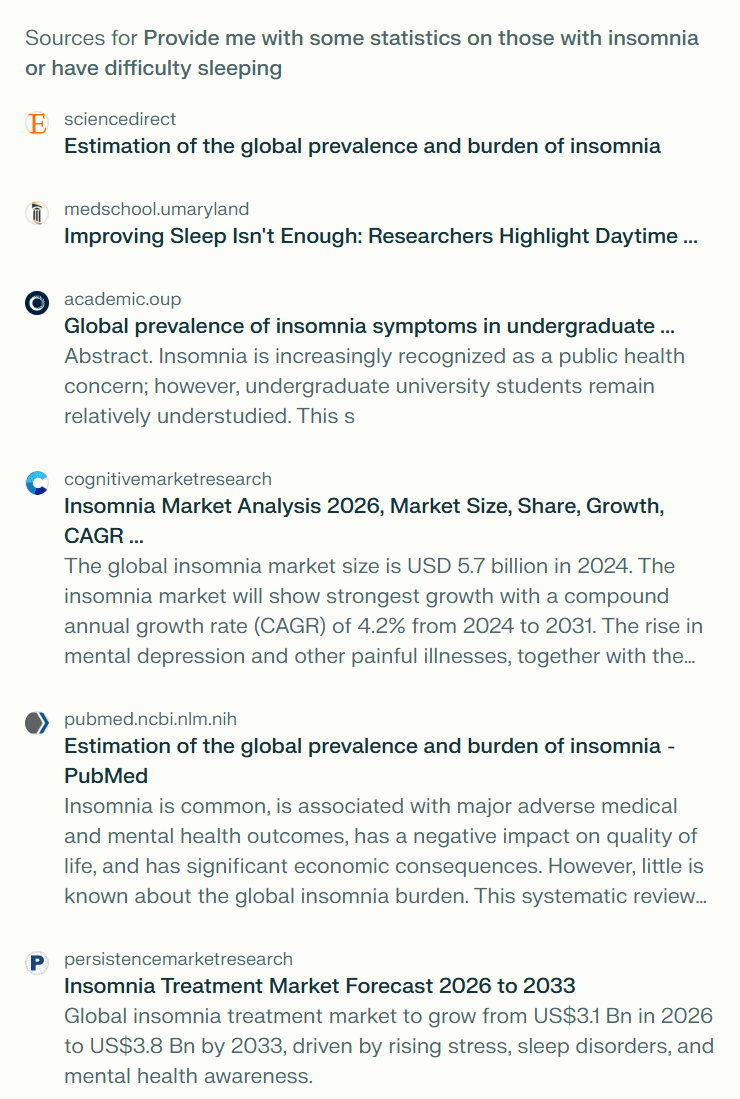
What did I do with this research?
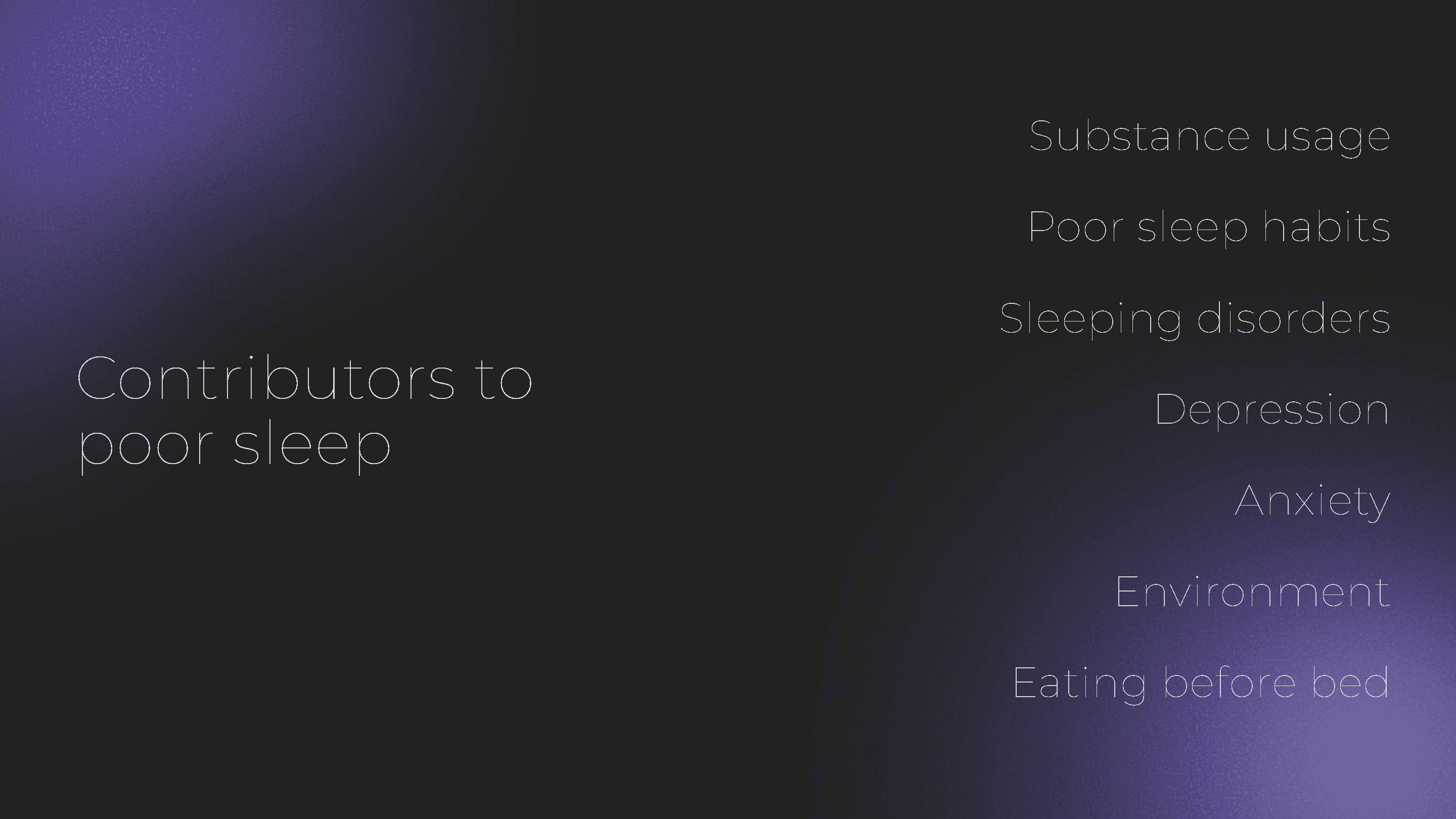
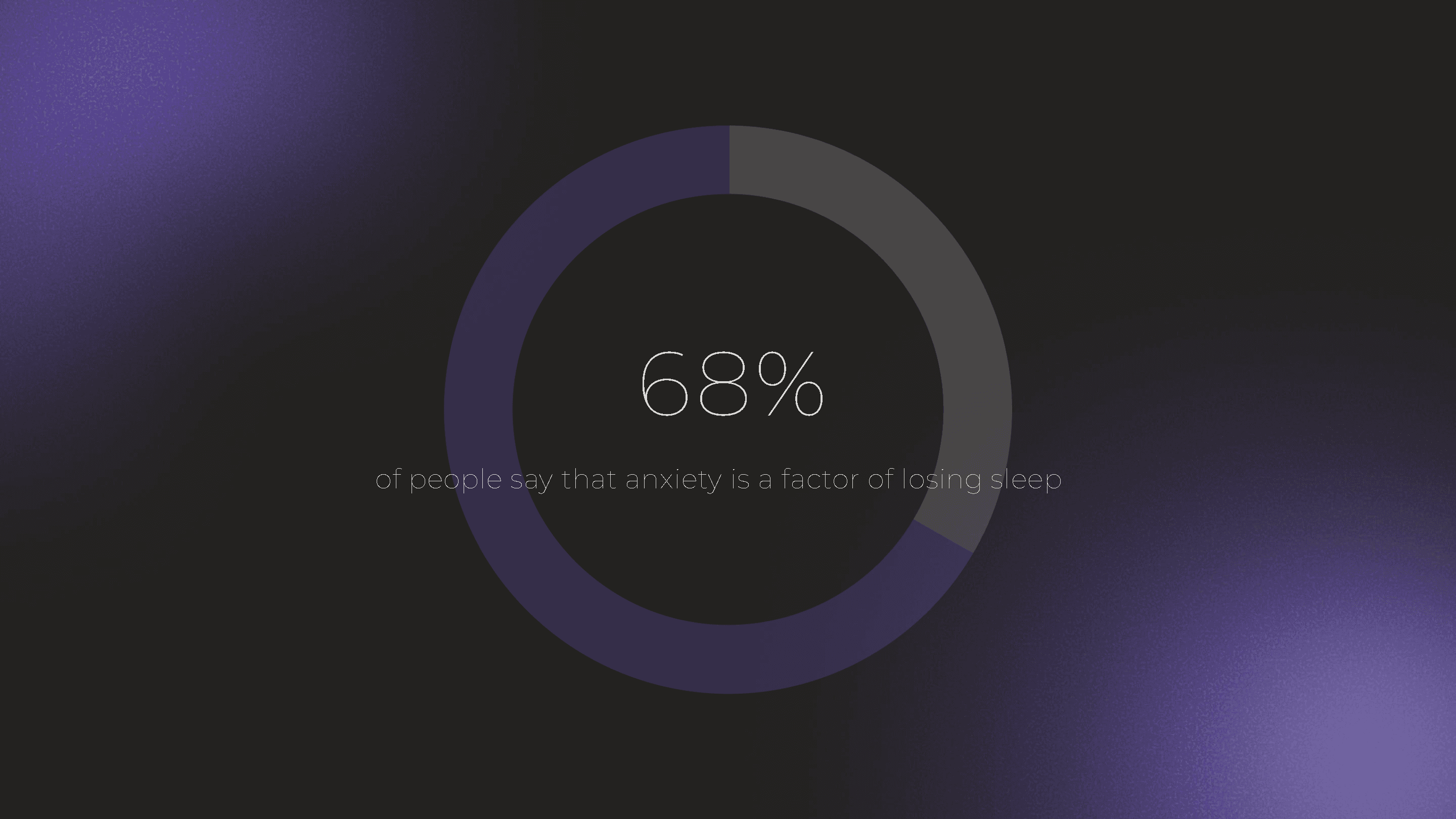
From several prompts and analyzing articles, I gathered statistics and aspects that contribute to poor sleep.

Since there are so many kinds of people who experience poor sleep, I had to specifically determine who my target audience is going to be.
Now that my target audience had been determined through compare/contrast, it’s time to find solutions for each.
Persona 1

“I’m tired of waking up to every minor sound I hear”
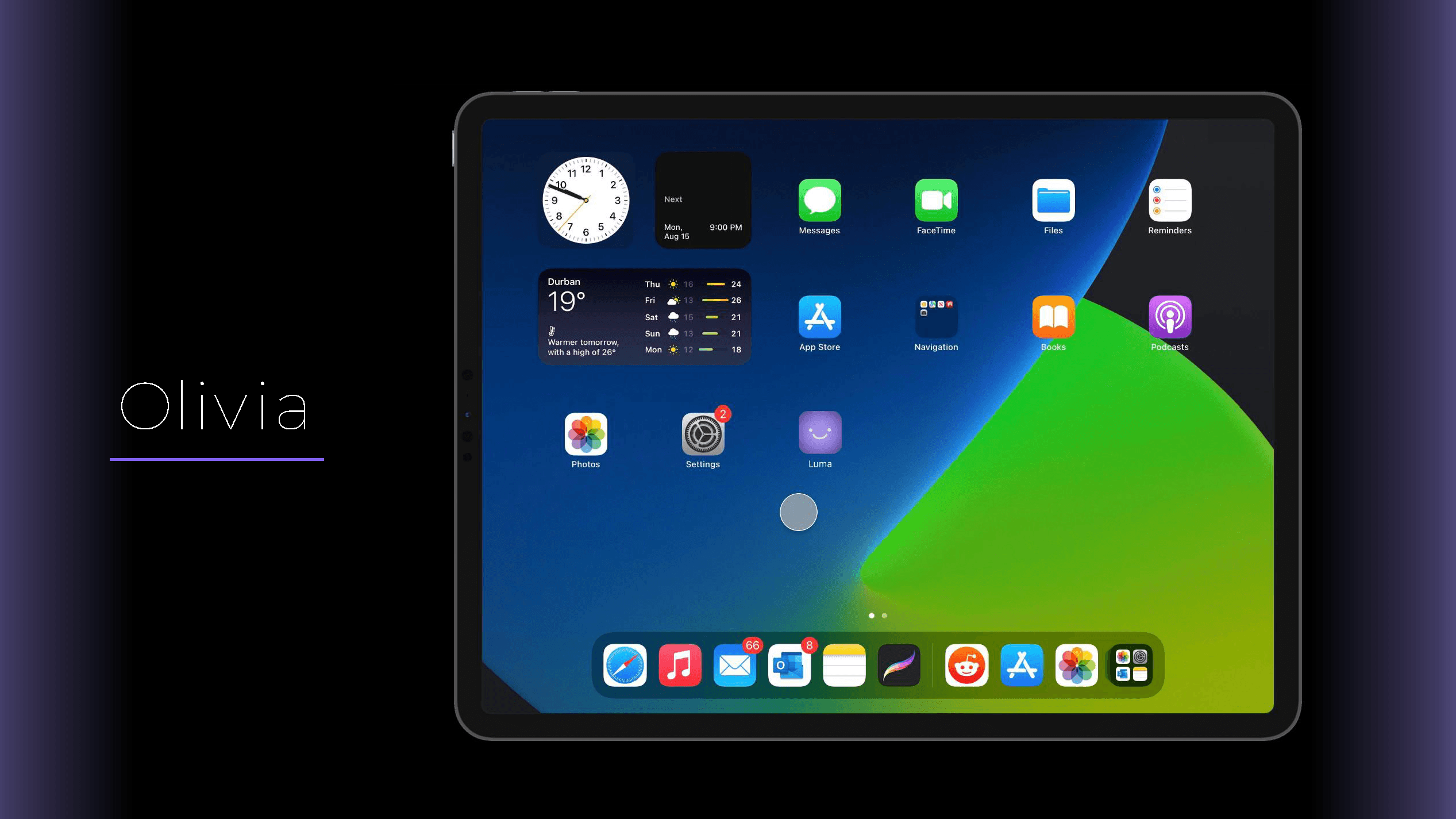
Olivia has always been a light sleeper, so she finds herself waking up in the middle of the night quite often and takes some time for her to fall asleep again.
Frustrations
Wakes up due to noisy environment
Takes time to fall back asleep
Sensitive to sensory input such as temperature, movement, sound, etc.
Needs
Uninterrupted sleep
Automated systems that act when there are interruptions
Fuller, refreshing sleep
How Luma can help
Real-time sleep adjustments activate when sensory spikes are detected.
Connect devices like A/C and Luma will detect if the user is overheating or freezing.
Customizable sleep modes to predetermine what happens if sleep stirring occurs
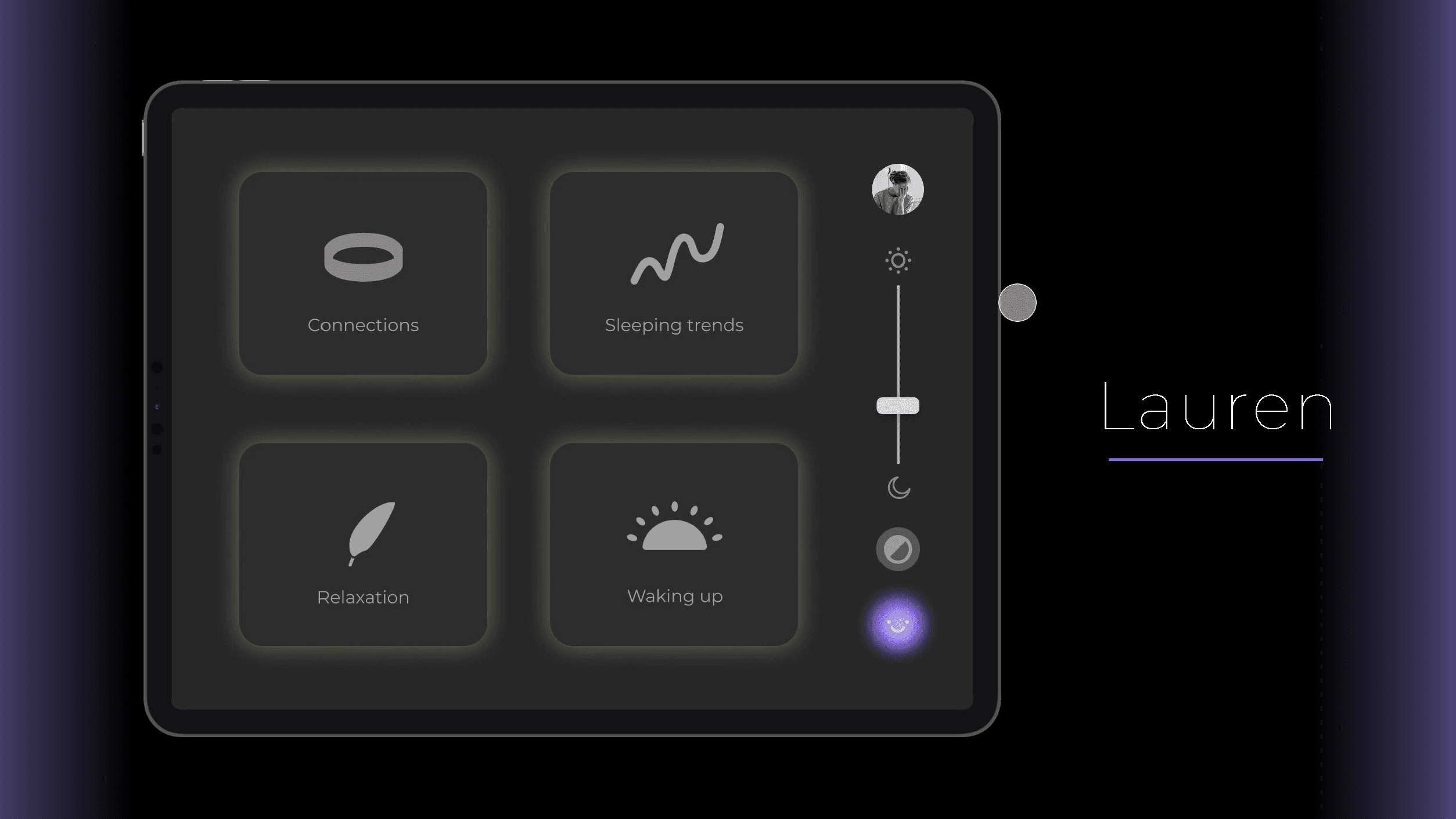
With two small ones at home, Lauren goes from working her full time job to attending to her kids in the evening. With her busy life, she notices that her sleep is suffering for it.
Frustrations
Struggles with winding her mind down
Anxiety related to sleep
Needs
Convenient ways to calm her nervous system down
Someone to talk to about her day
How Luma can help
Real-time sleep adjustments activate when sensory spikes are detected.
Connect devices like A/C and Luma will detect if the user is overheating or freezing.
Customizable sleep modes to predetermine what happens if sleep stirring occurs
Persona 2
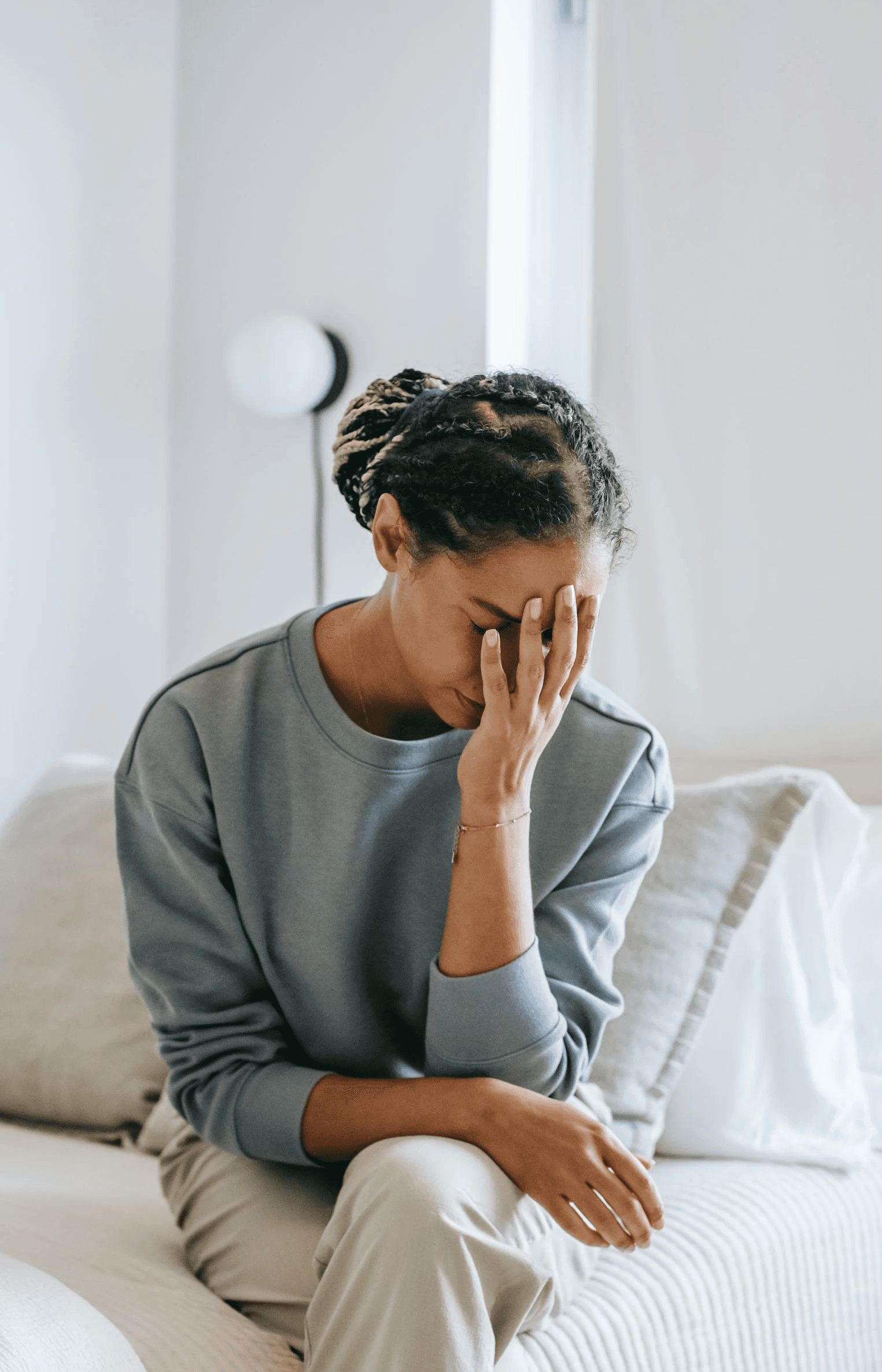
“I need someone to talk to about my stressful day.”
Persona 3
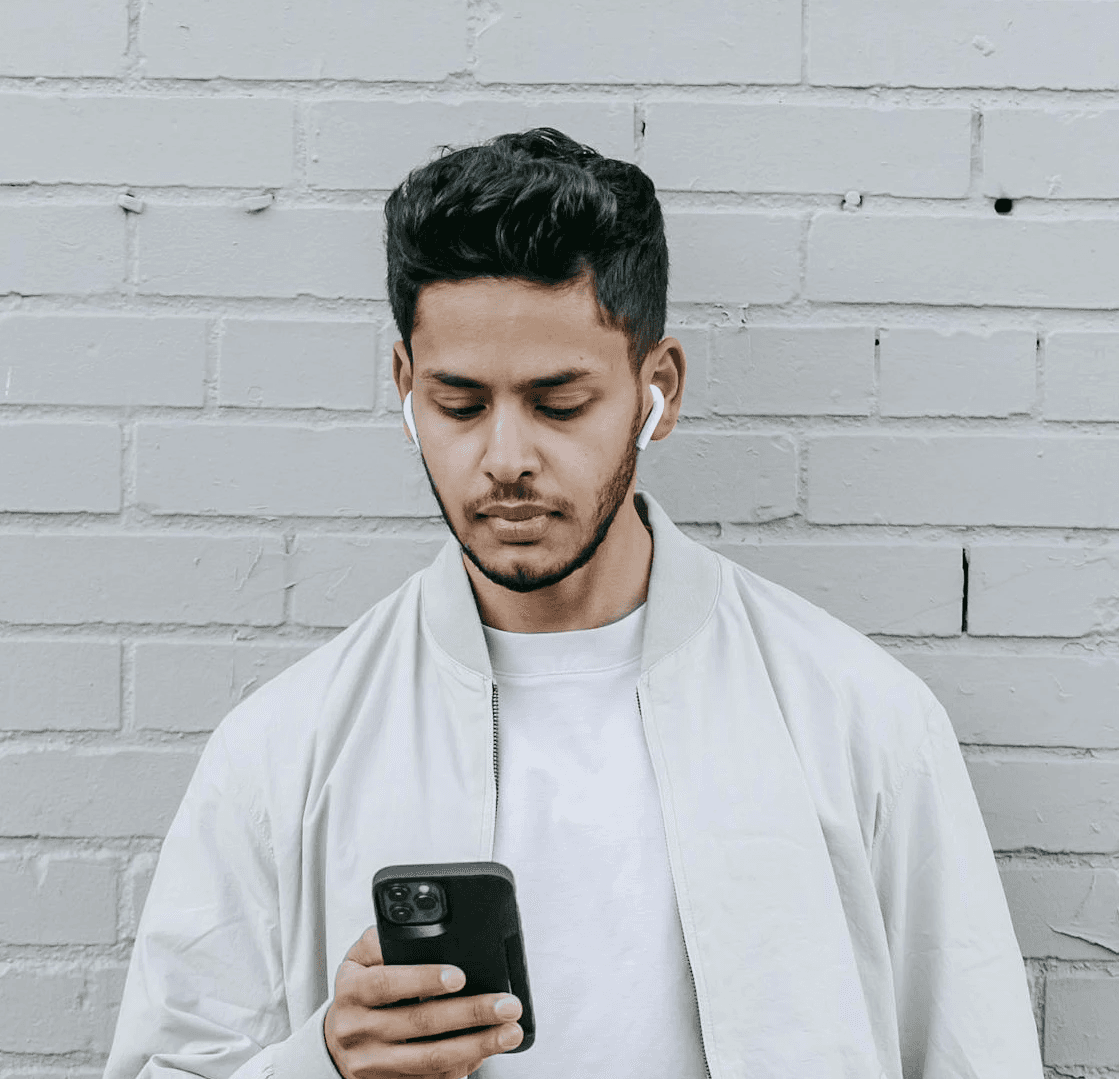
“I want to enjoy waking up, not dreading it.”
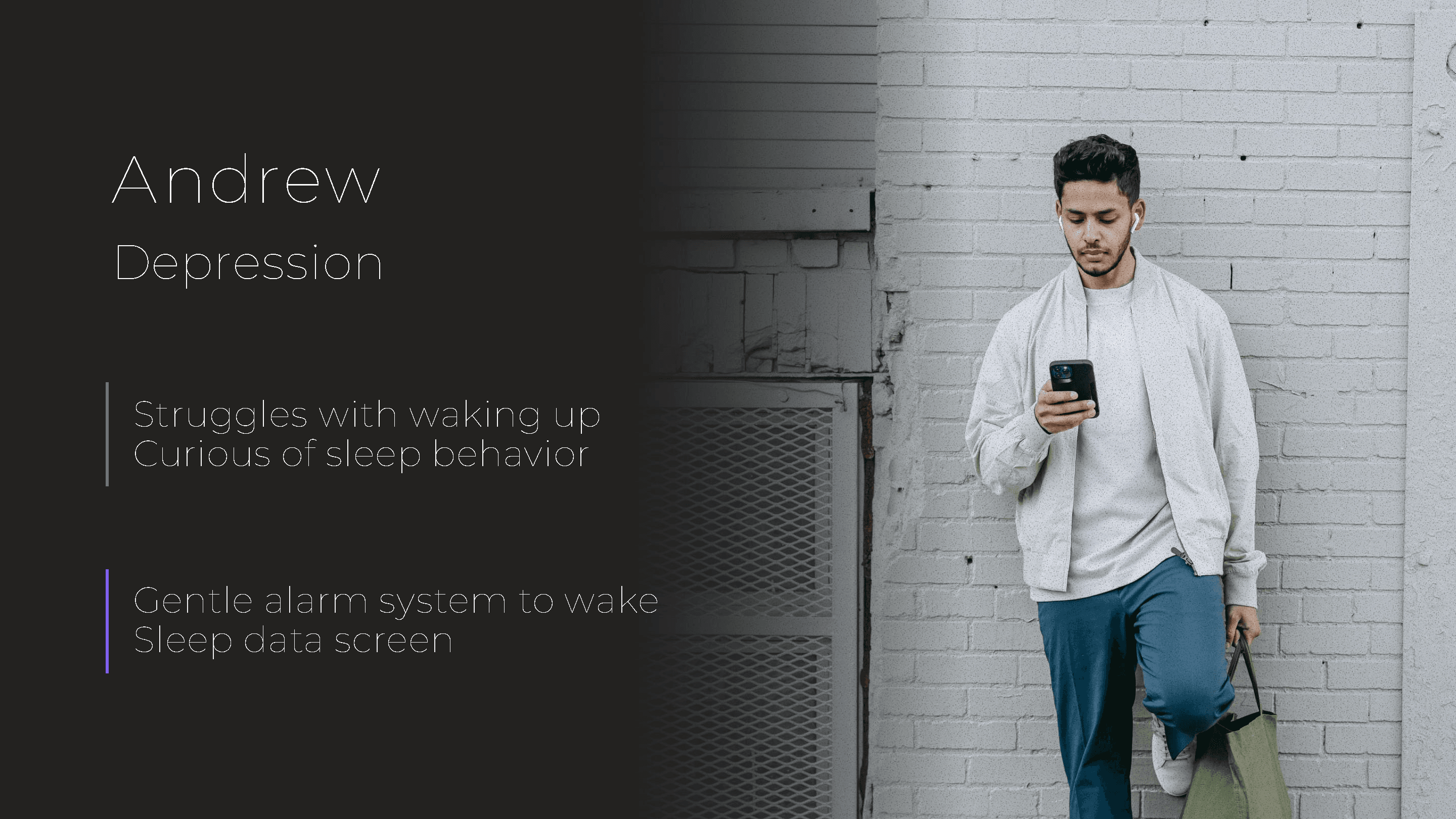
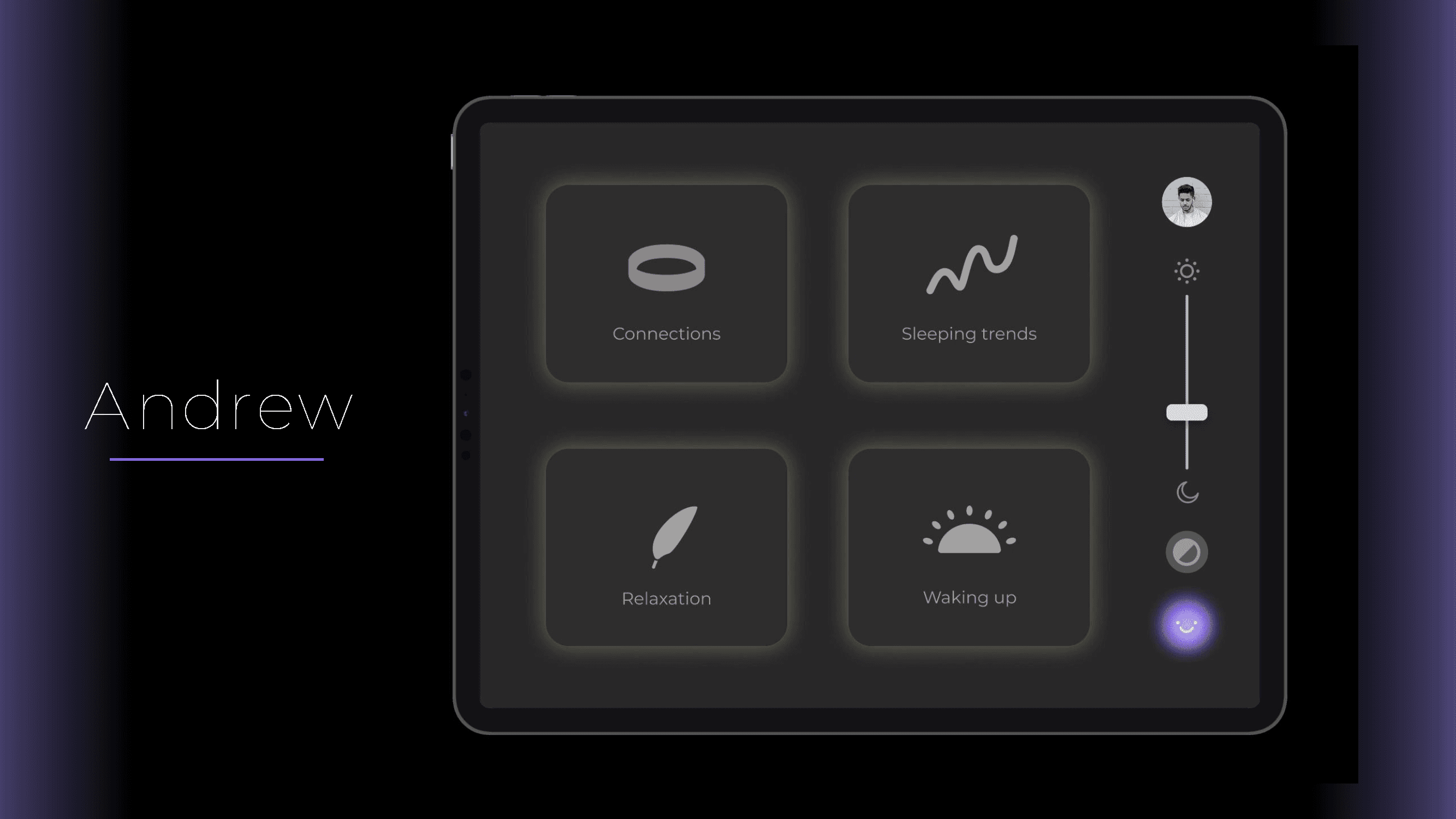
A side affect of Andrew's depression is his struggle to get out of bed in the morning. He also wants to learn more about his sleep patterns.
Frustrations
Abrupt alarm systems
Has trouble sleeping
Needs
Waking up feeling good
Understand sleep behavior
How Luma can help
Gentle alarm system that has customizable routines for flexible wake up times.
Visual data from sleeping behaviors and AI pattern recognitions and new recommendations.

User journey maps help you place yourself in your user’s shoes and seeing the product from their perspective.
Using the personas, I created realistic paths each persona would take on Luma and which aspects catered to their individual needs.
Based on these user-flows, there are app walkthrough videos that will take you through the app as each of these users.
User-flow key
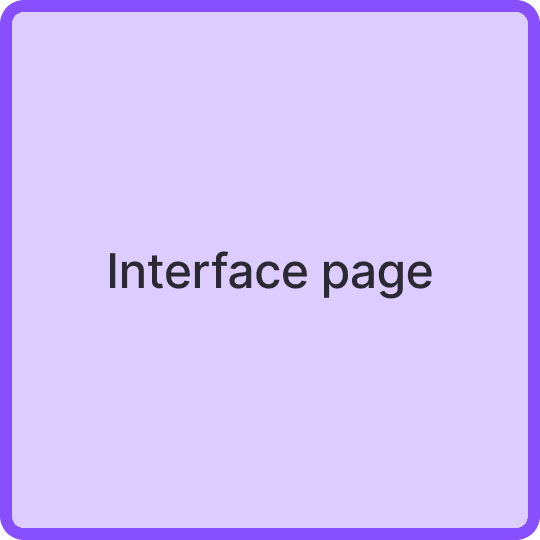
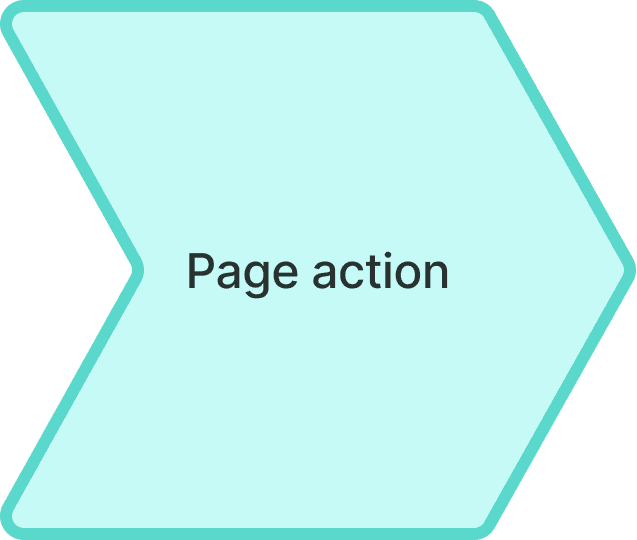
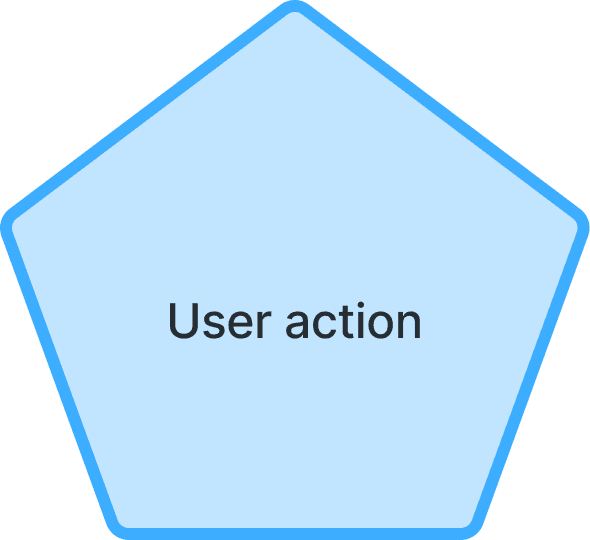

There’s a video of each persona’s user-flow further below in the section: App walkthroughs


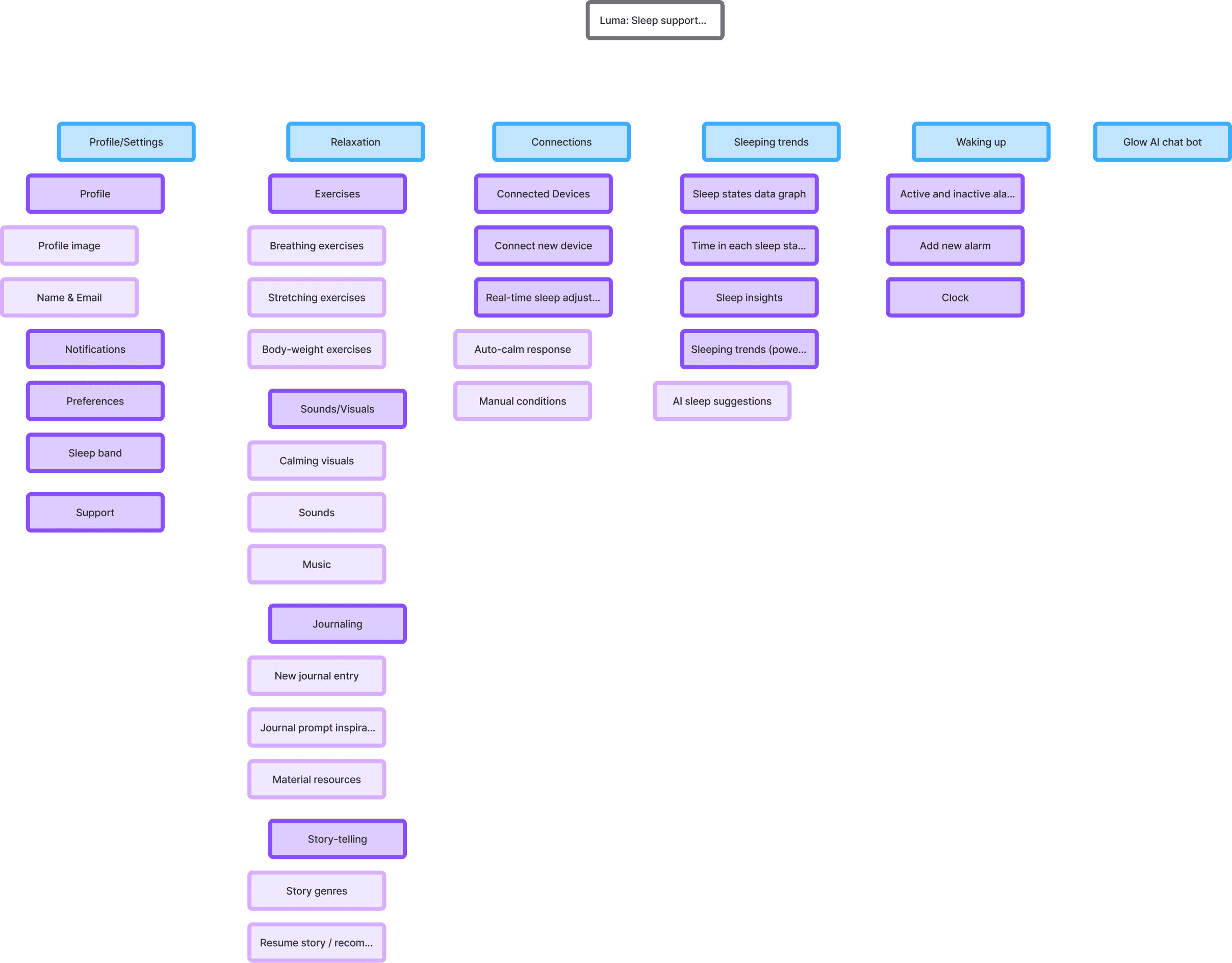
APP SITEMAP
From determining the paths that the users will mainly take, it was time to organize the information through navigation and page connections.
WIREFRAMES
Now that I have the site map planned, the next step is to visualize each screen. The main focus of this step is UX structure and proper design hierarchy.
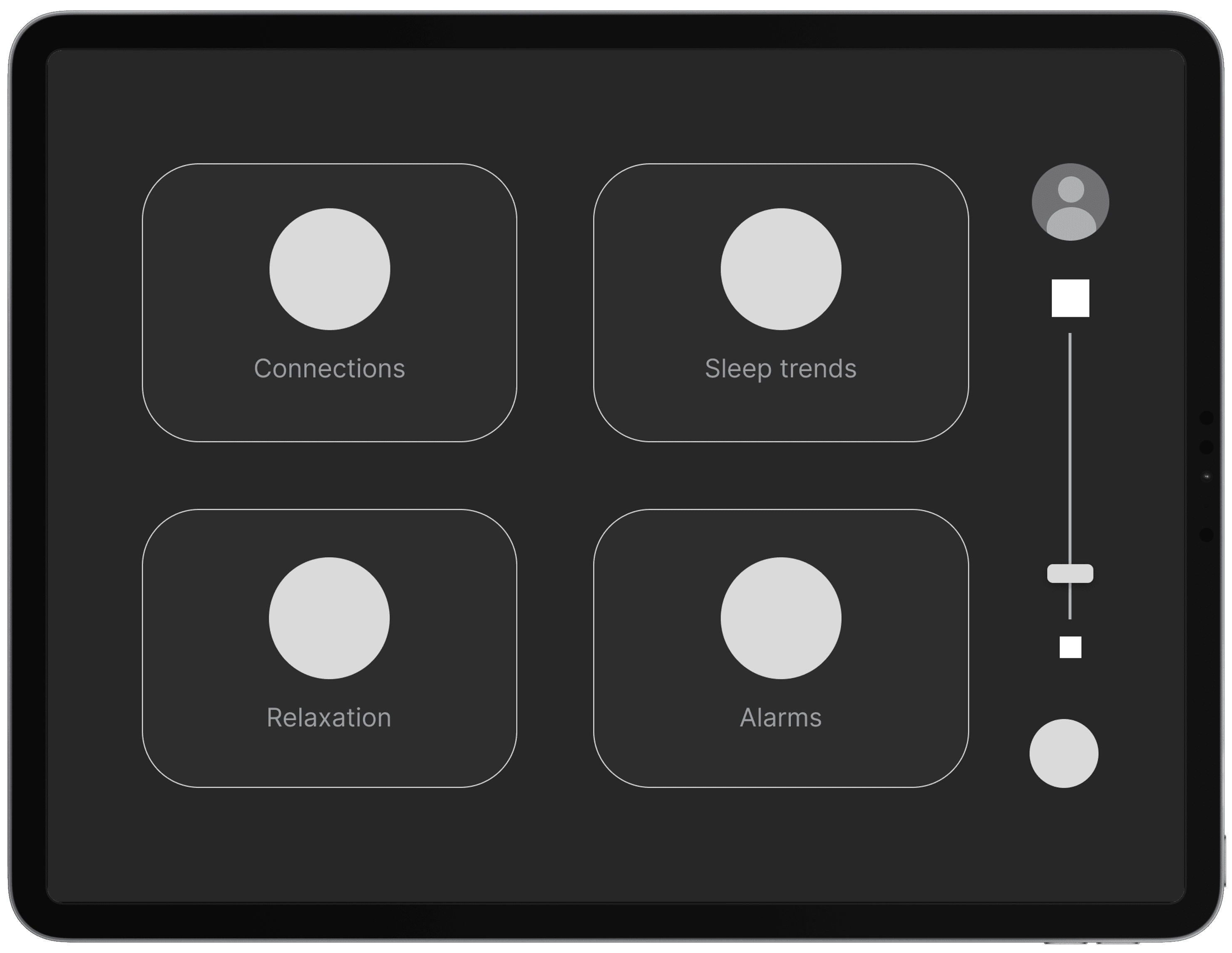
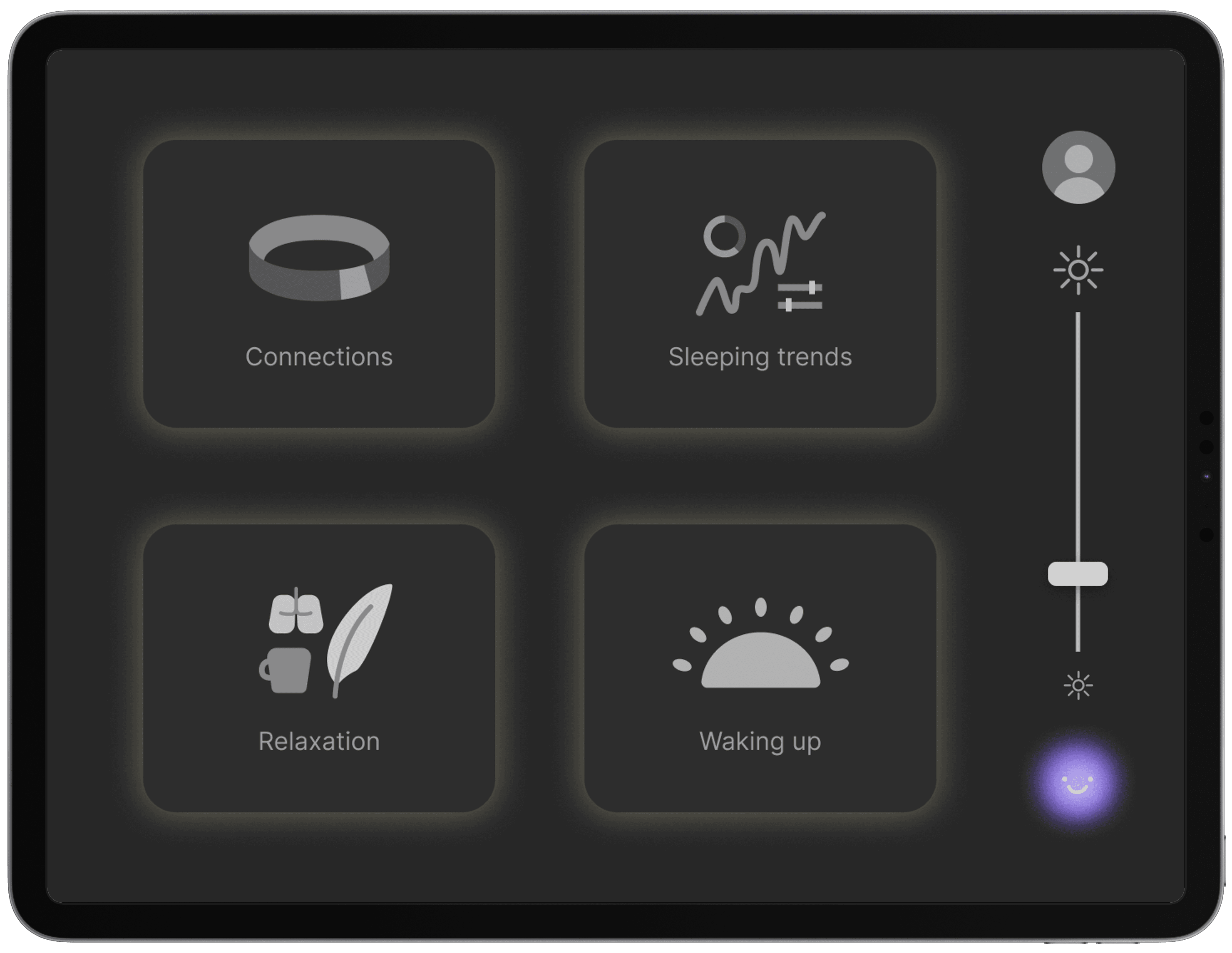
Dashboard screen
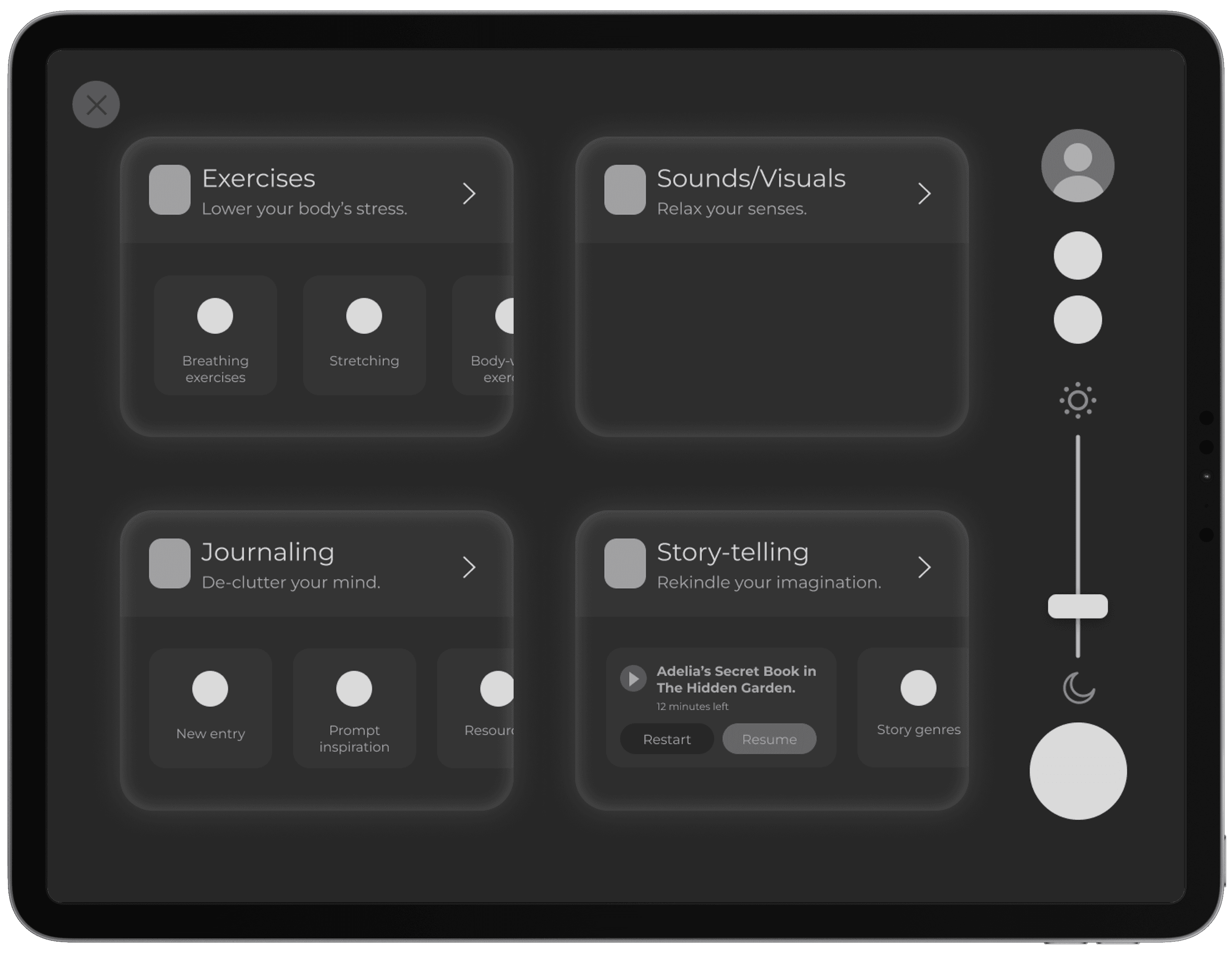
Relaxation screens

Sleeping trends
UI LIBRARY & BRANDING
Now that the skeleton of the app was developed, I had to bring it to life. First thing to do was to create a brand that aligns with Luma. Luckily, I was brewing with visual ideas up to this point and brought it to fruition.
Main logo
Words to describe Luma
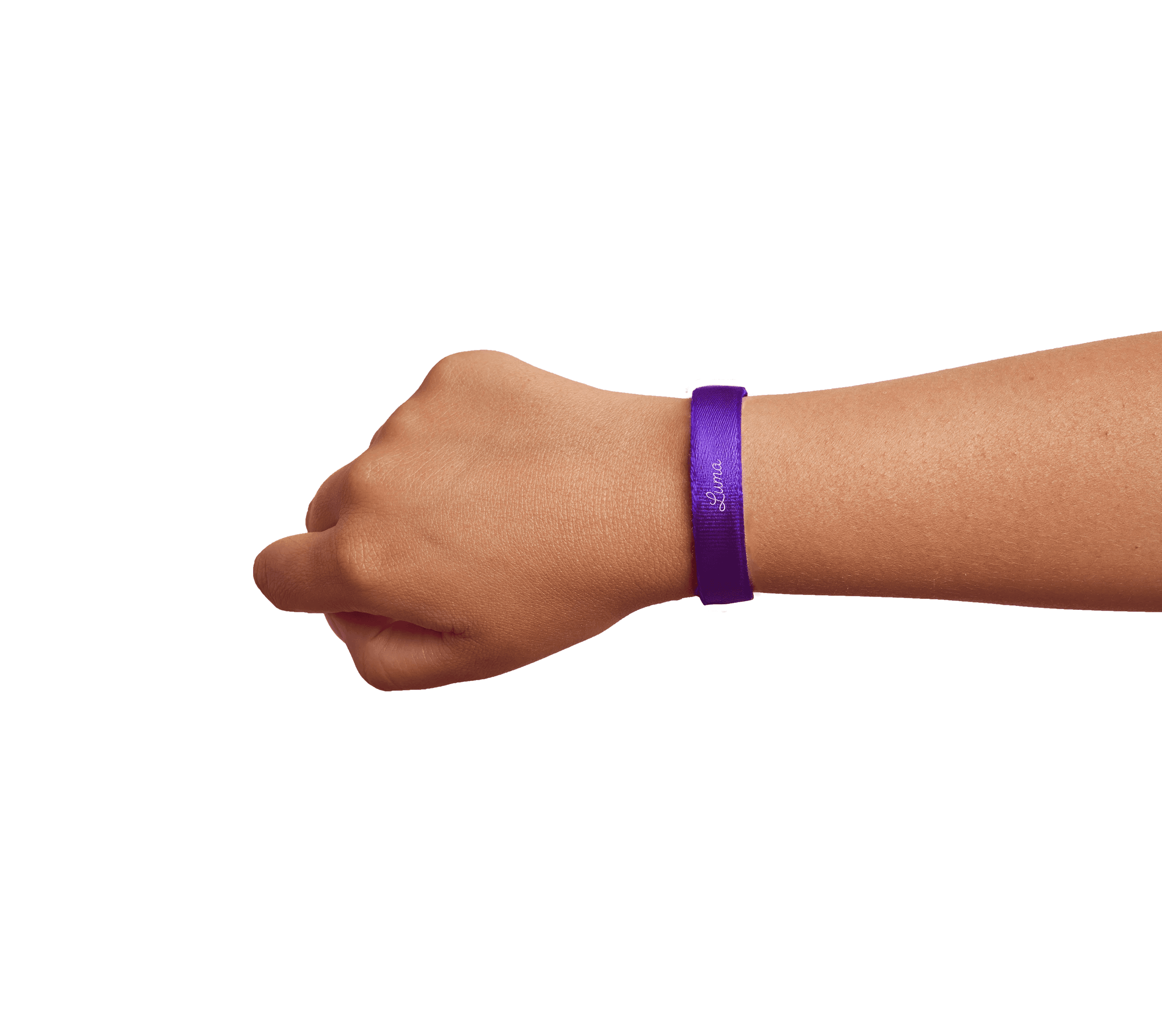
Sleep band image
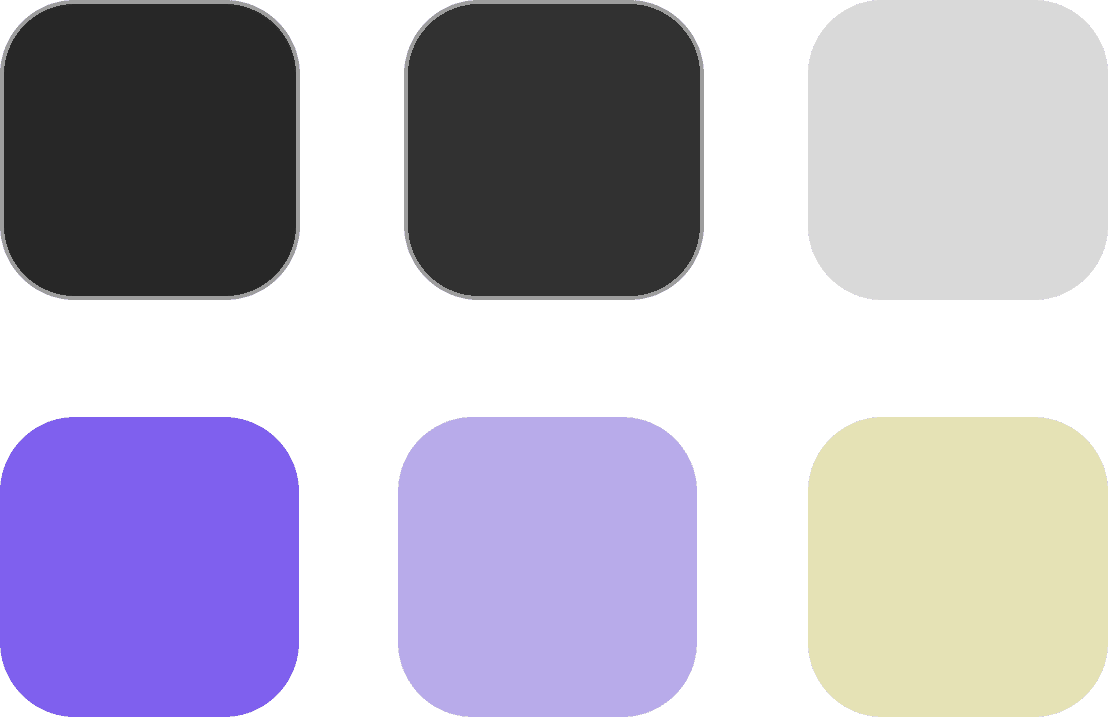
Colors
Typography
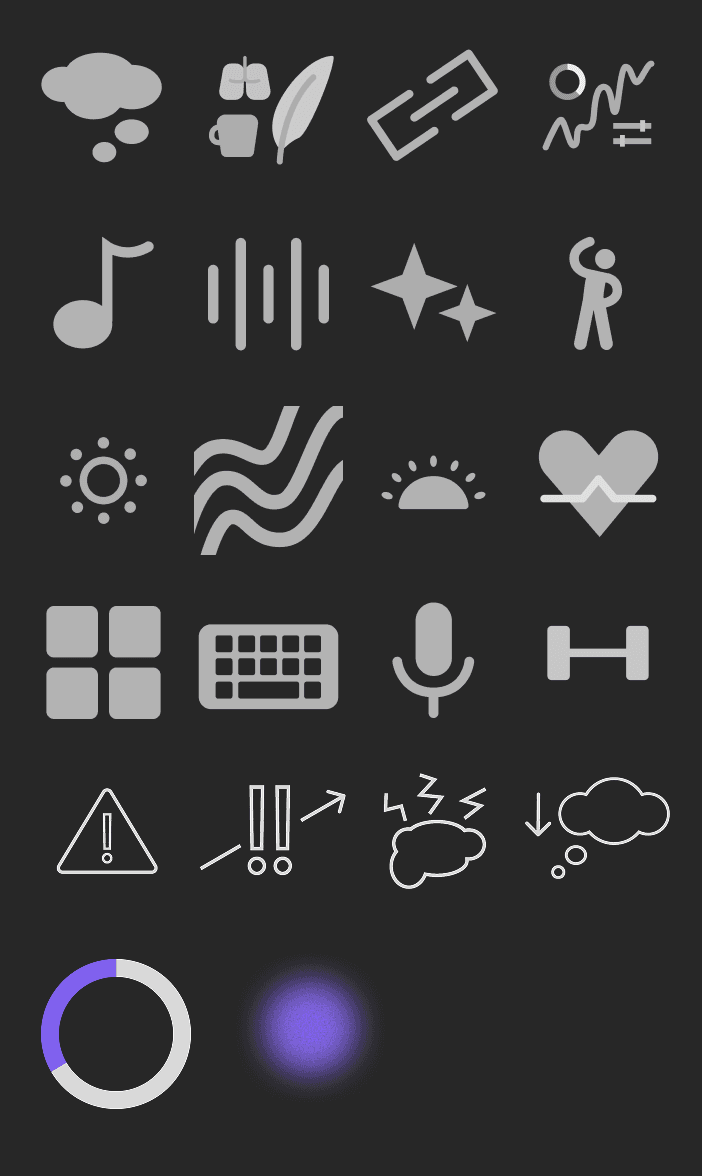
Next, I integrated the established UI properties to the wireframes.
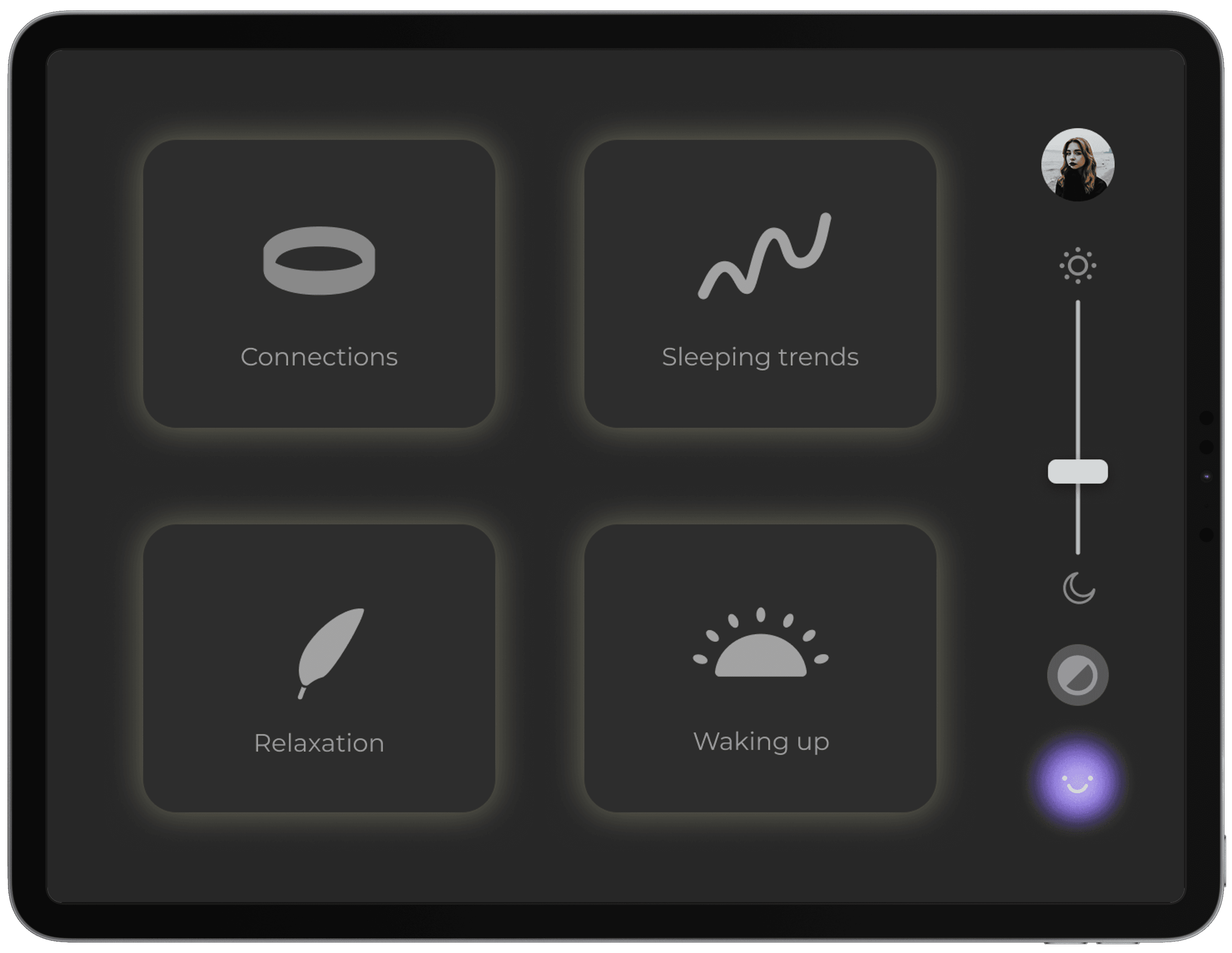
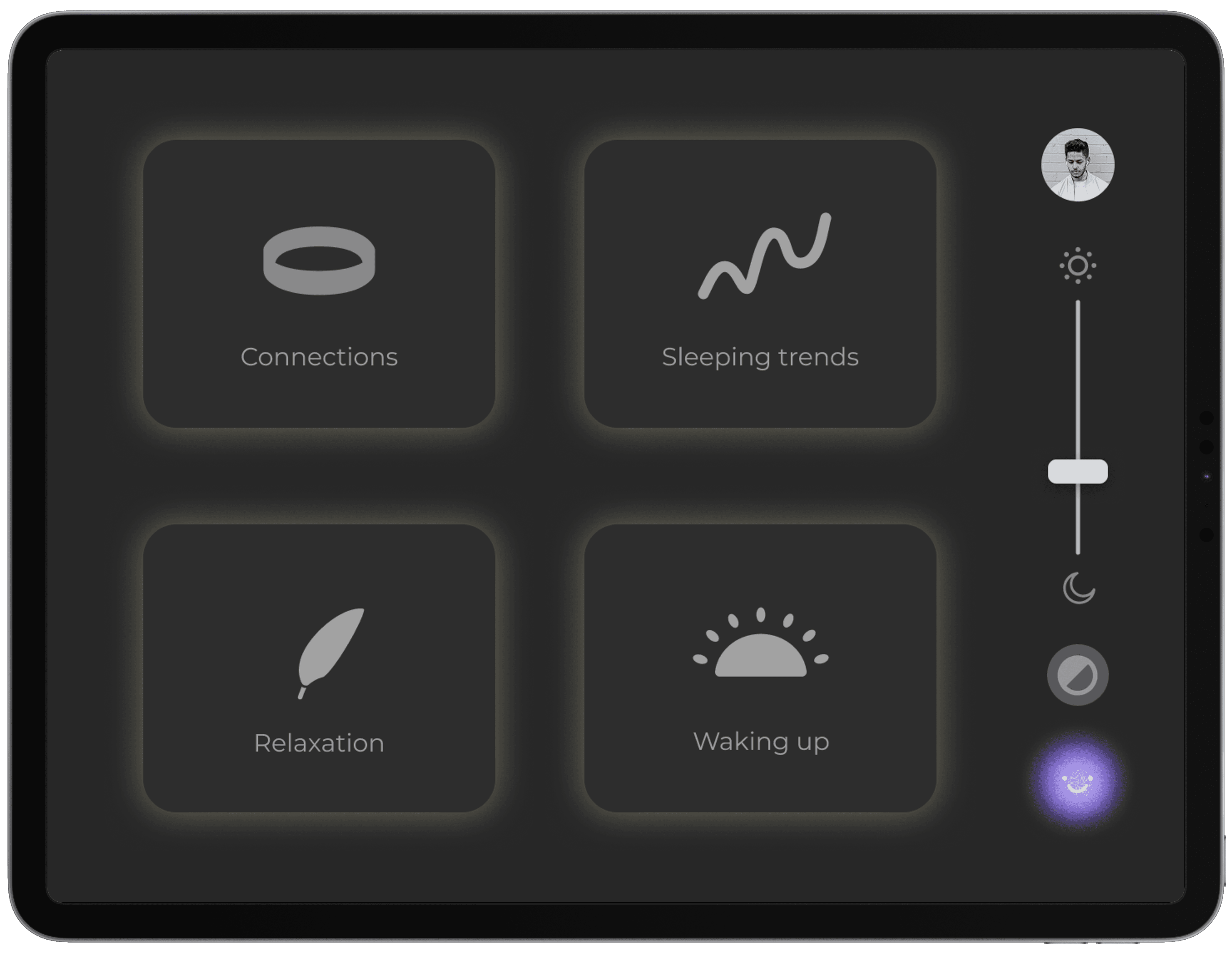
Dashboard screen
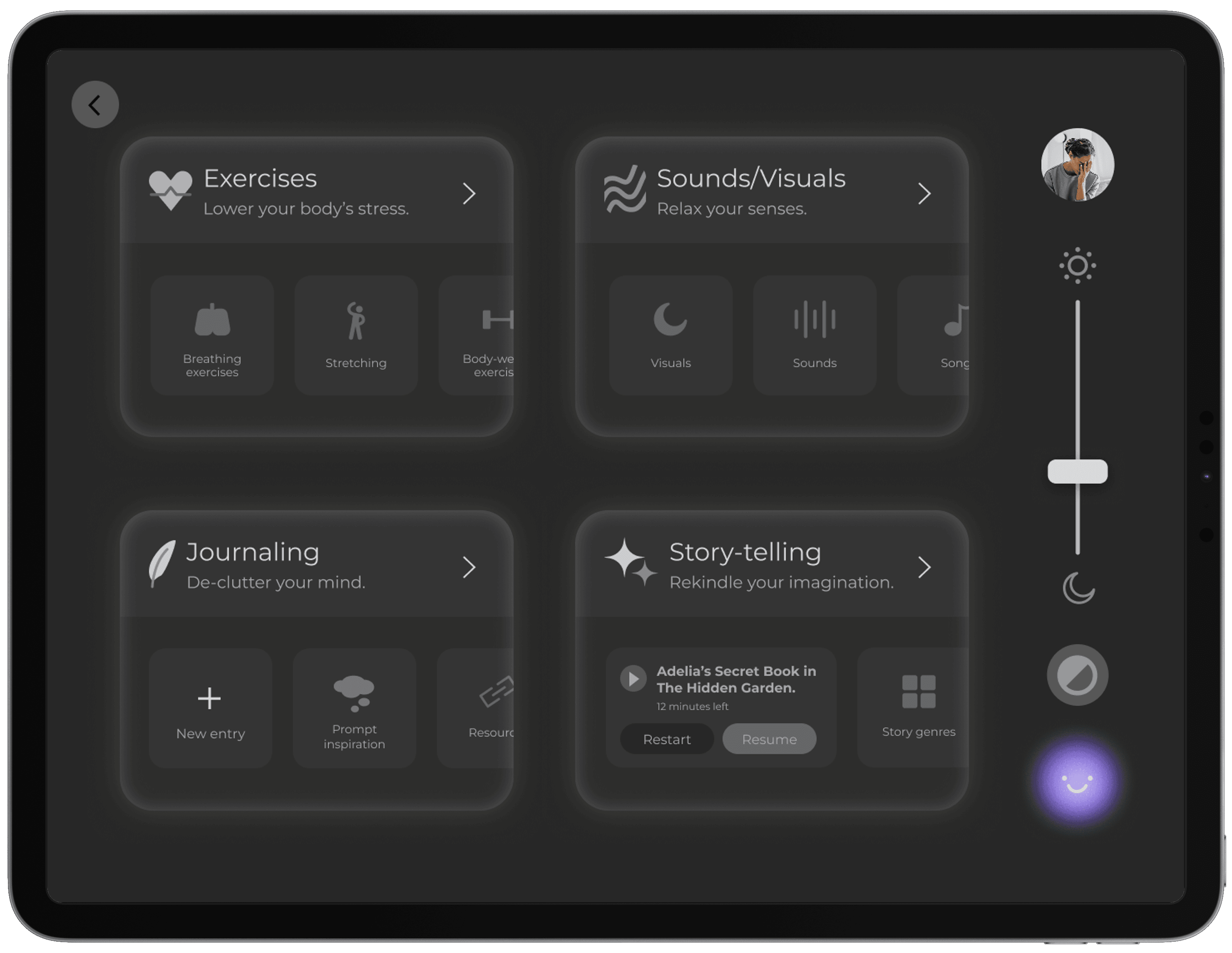
Relaxation screens
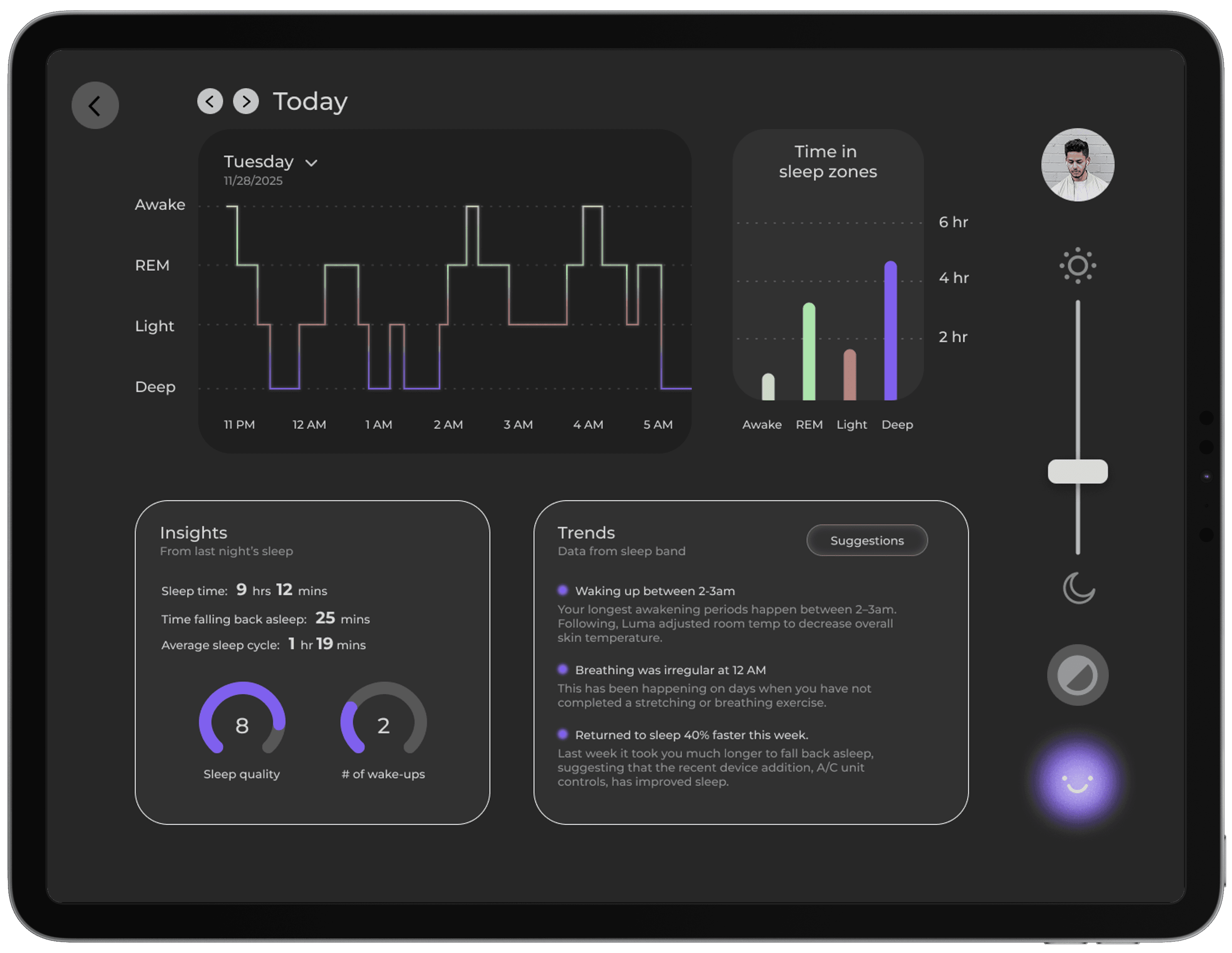
Sleeping trends

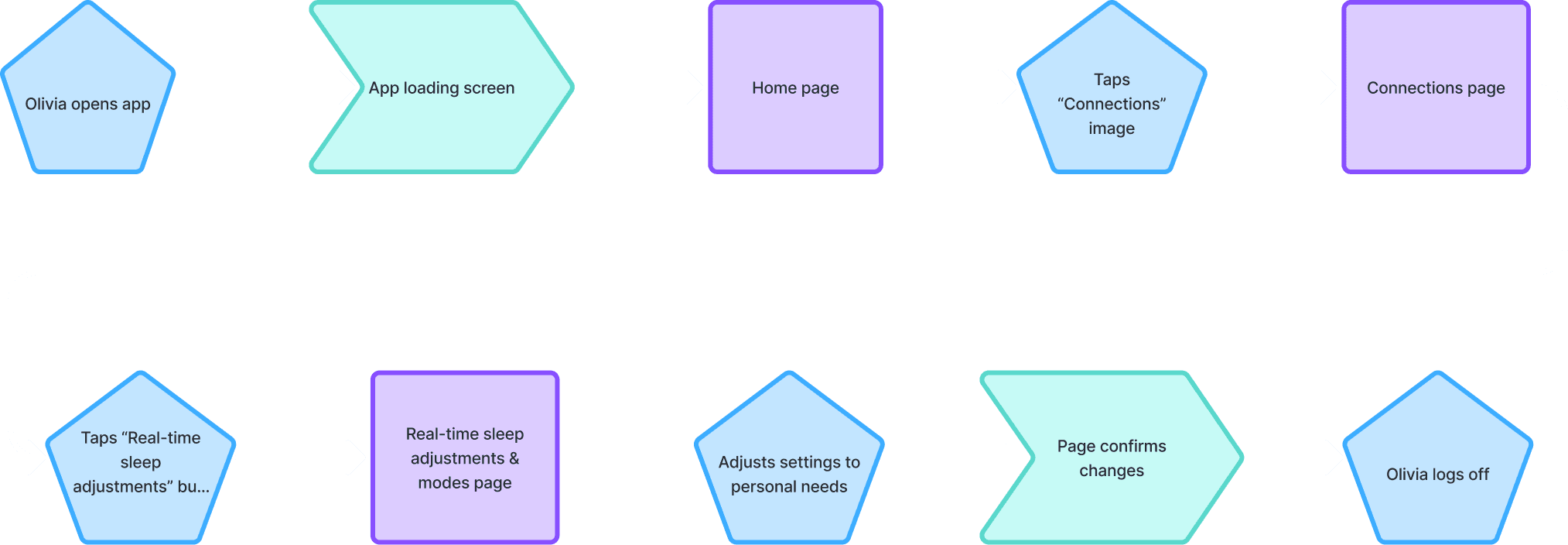
Olivia's user-flow
Commentary:
Olivia first opens and loads the app, and is greeted by Luma and welcomes her. She heads over to the connections tab where she can view any devices she has paired to Luma. She frequently visits the Real-time sleep adjustment page. Here she can control what Luma does if she starts waking up in the middle of the night.
There's an auto-calm response option where Luma automatically responds to Olivia's needs, using her connected devices. But if she wants to set anything manually, she can create conditions for her connected devices on the right.
Lauren's user-flow
Commentary:
After an exhausting day, Lauren logs on and opens the relaxation tab and starts a breathing exercise. Luma will ask her to choose a specific exercise, and once she does, Luma immediately starts the activity. Lauren also likes talking with Glow because it helps her declutter her stressed mind and calm her nervous system before sleep.
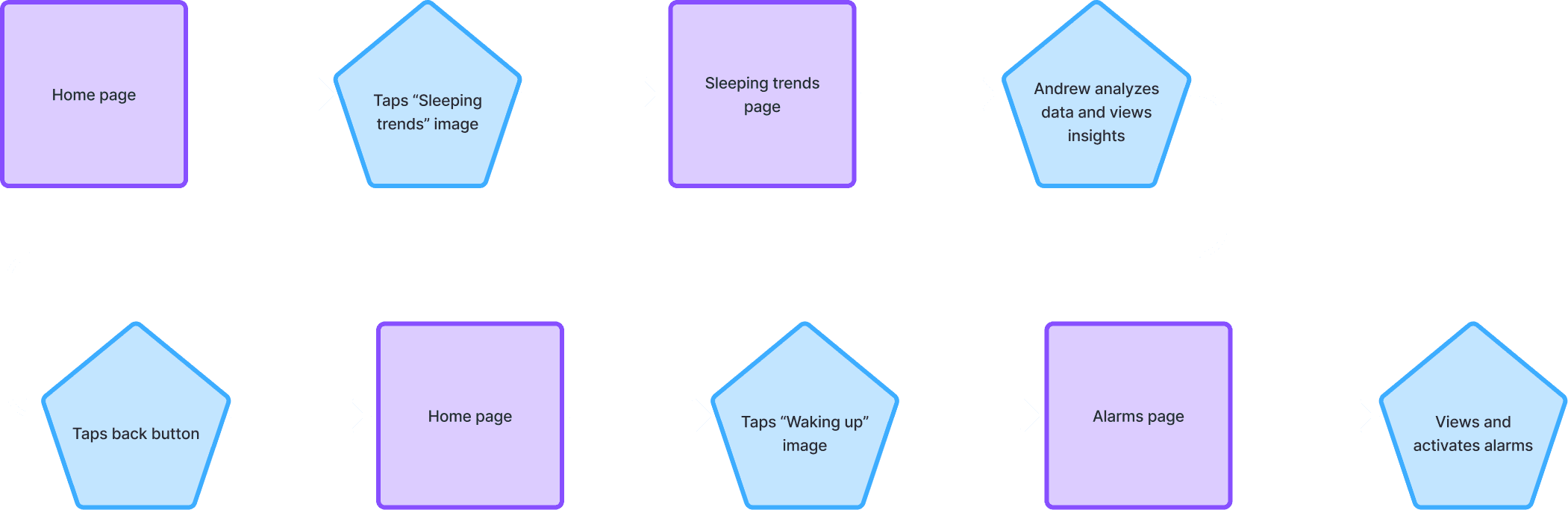
Andrew's user-flow
Commentary:
Andrew visits the sleeping trends page to look at his sleeping levels of the night before and look at the insights tab, mentioning personal sleep facts. The Trends section are patterns that Luma determined and the AI reasons with why those patterns exist.
If Andrew wants, he can look at any suggestions the AI has for him regarding the trends. On the Waking Up page is his alarms that he has set as well as a clock to show the current time. He can adjust settings to each of his alarms as you can see on each of them.

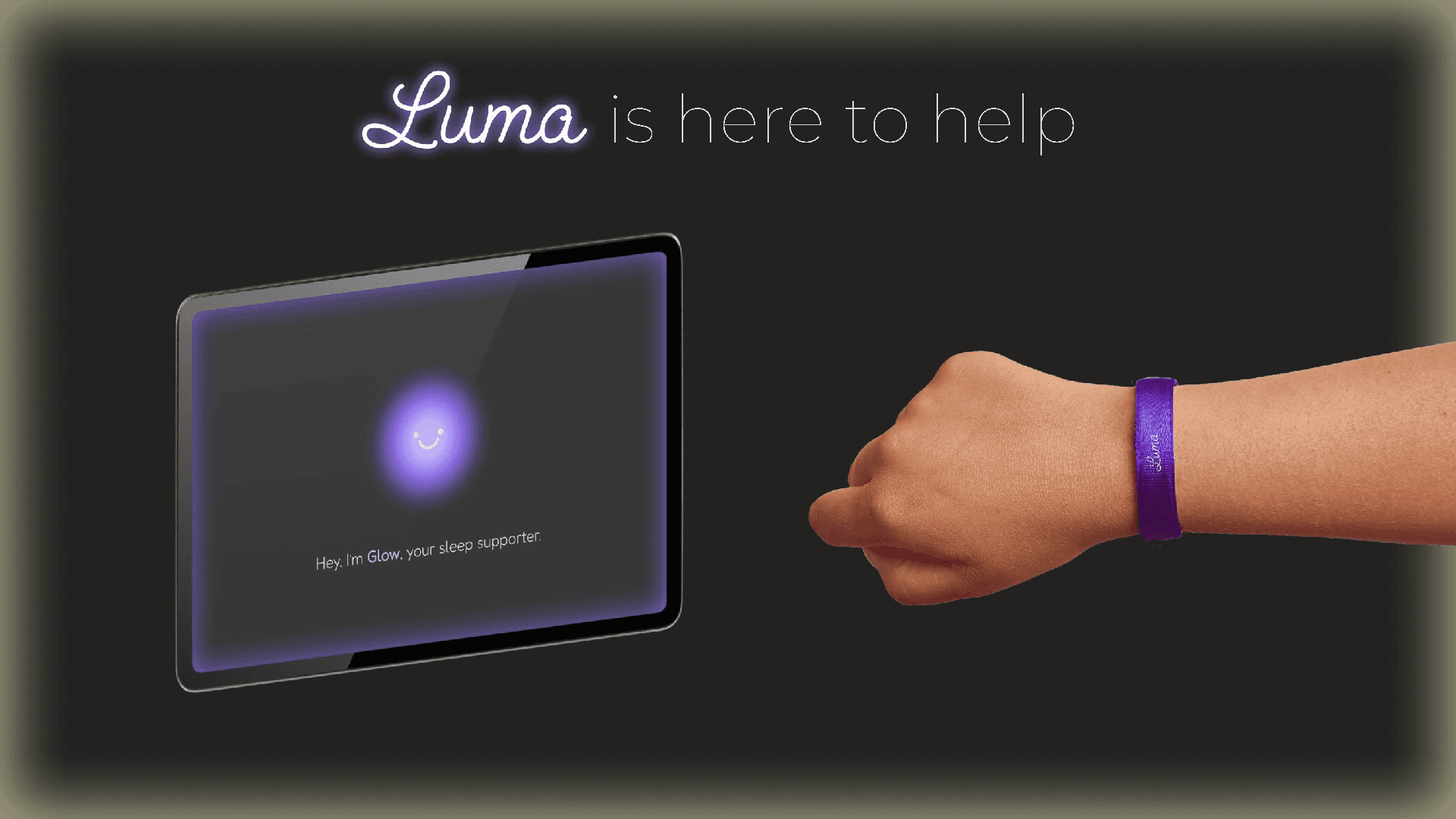
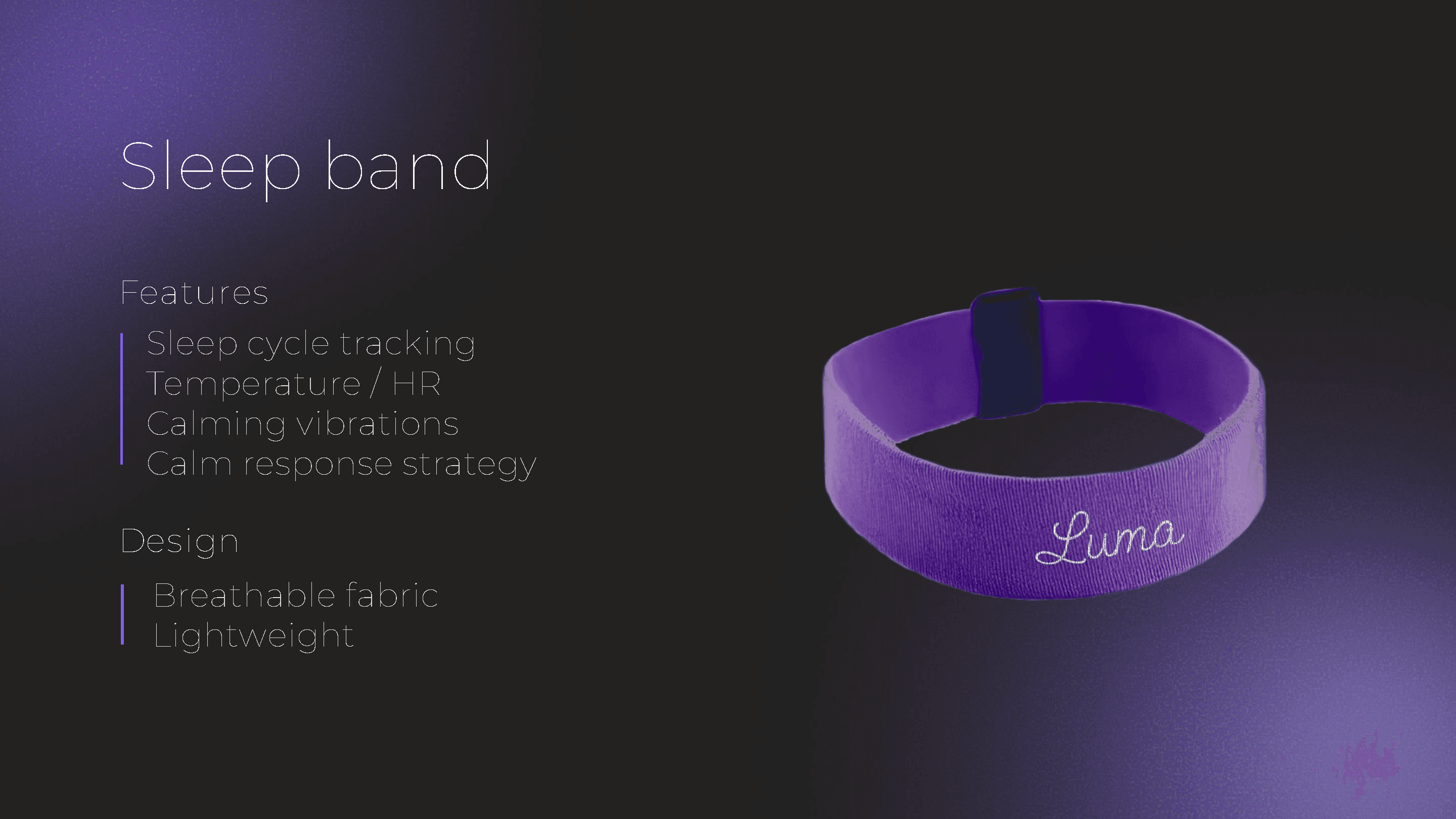

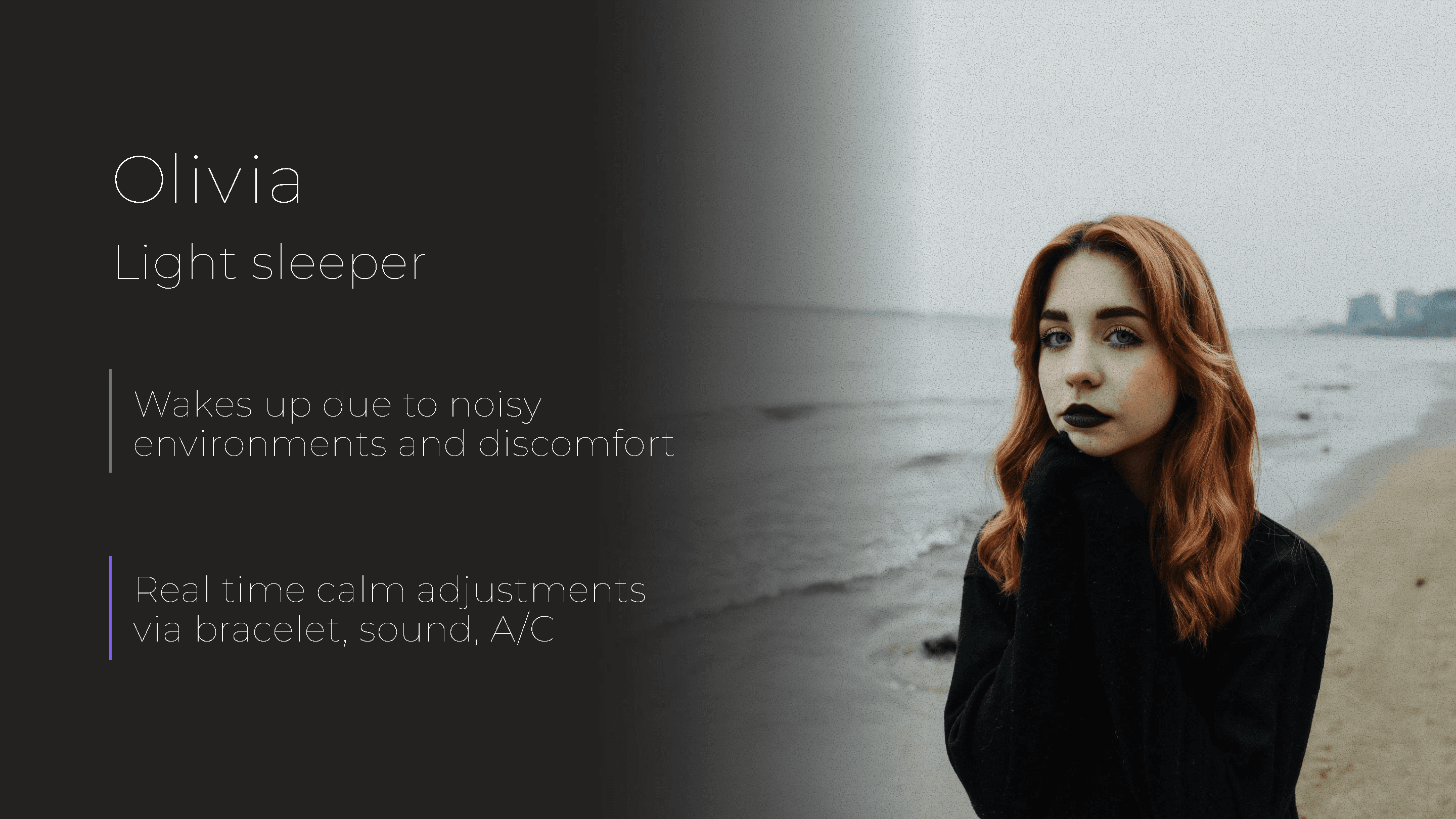
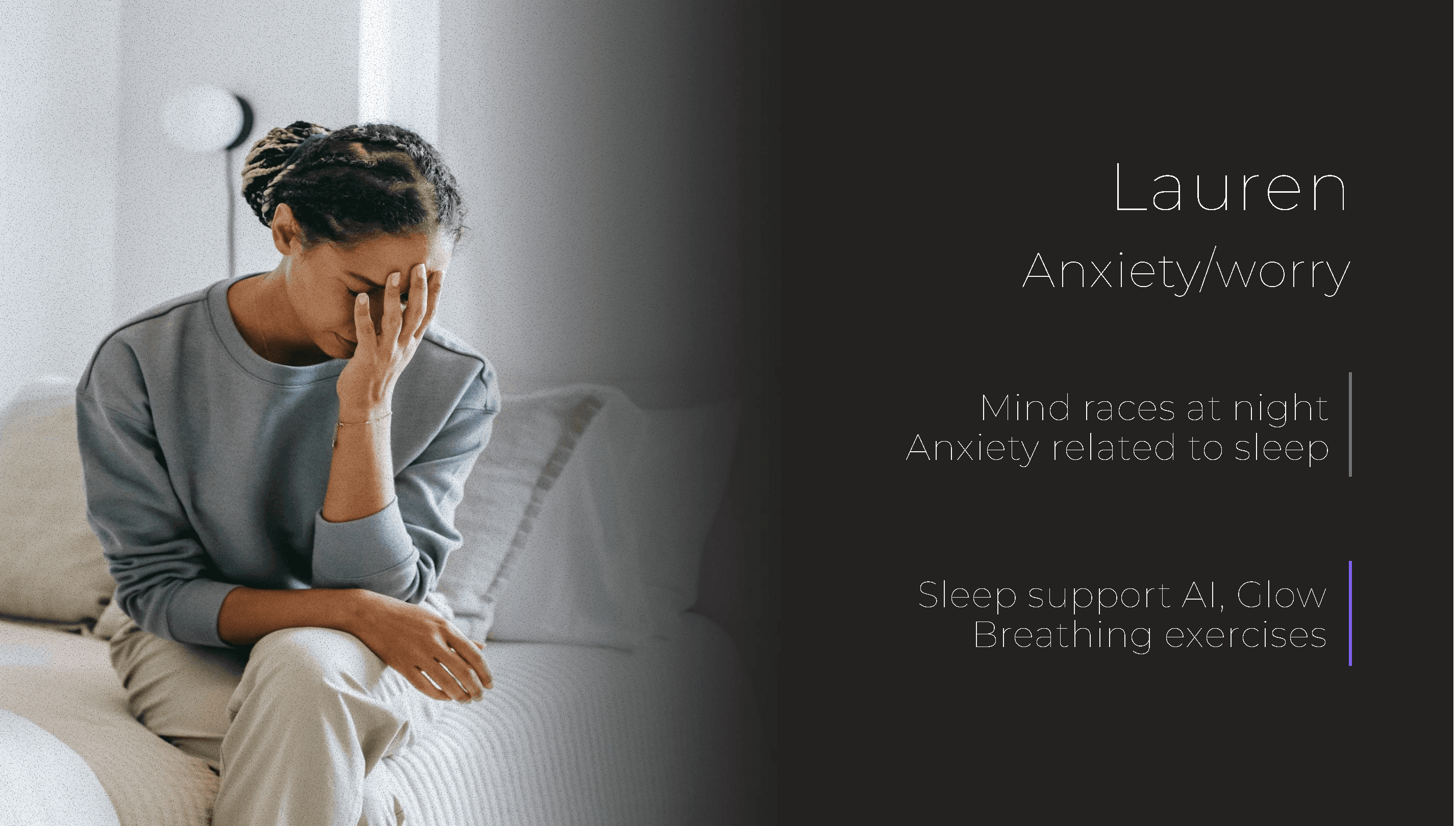

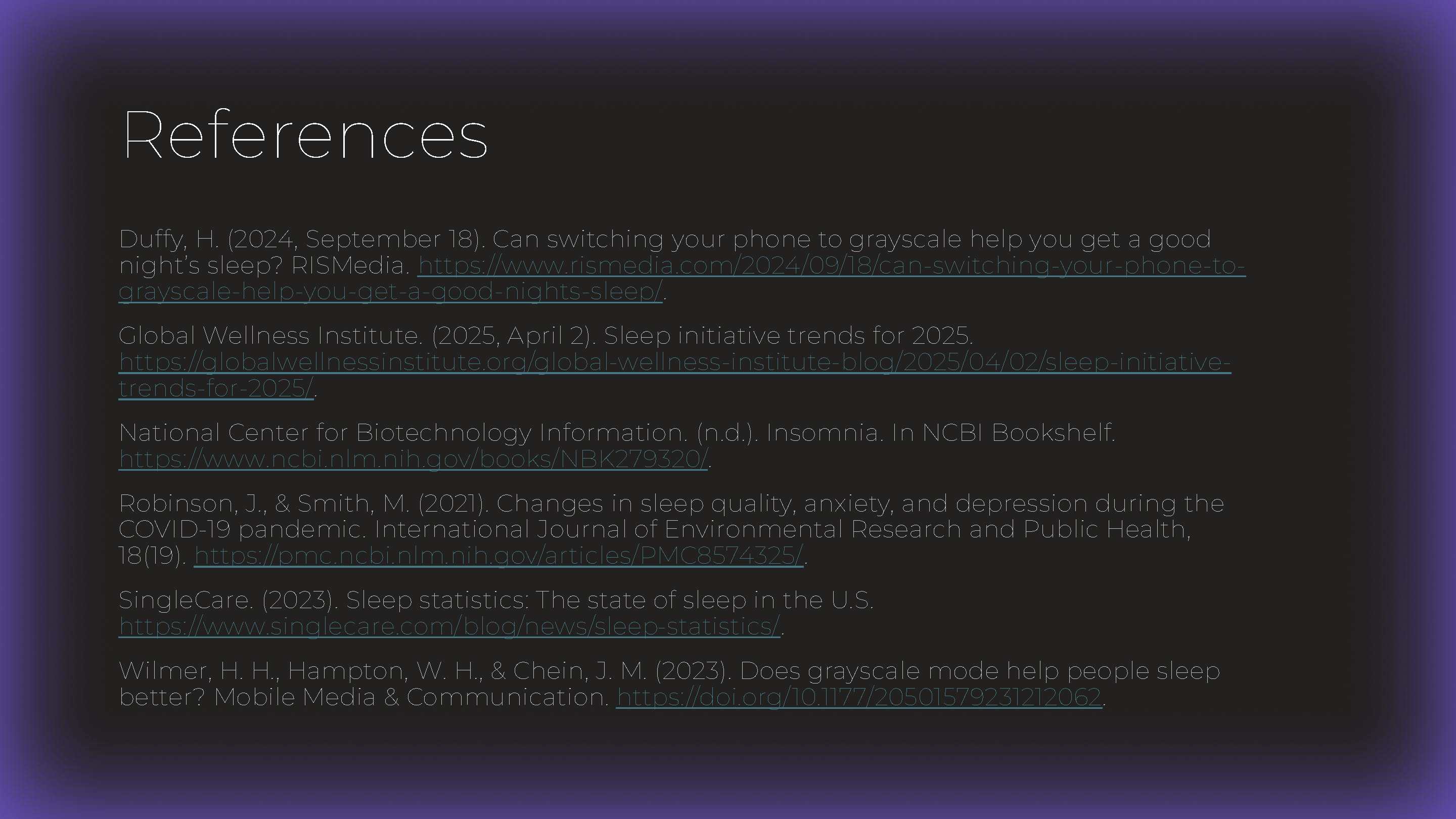
Some slides may be word-less. Keep in mind this presentation is just a visual aid as I presented Luma as a product.

Thank you
I appreciate the time you took to check this out. :)